Valorant Crosshair Codes Database — Pro & Custom Crosshairs
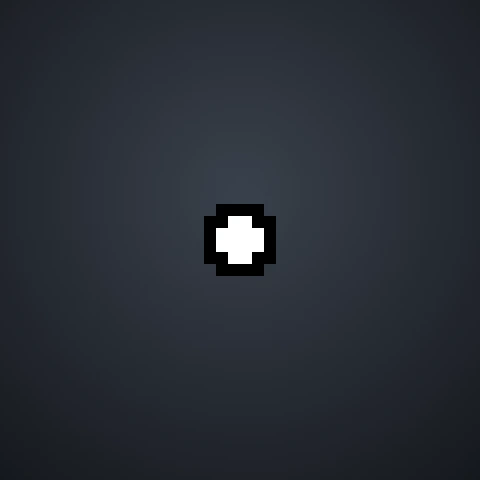
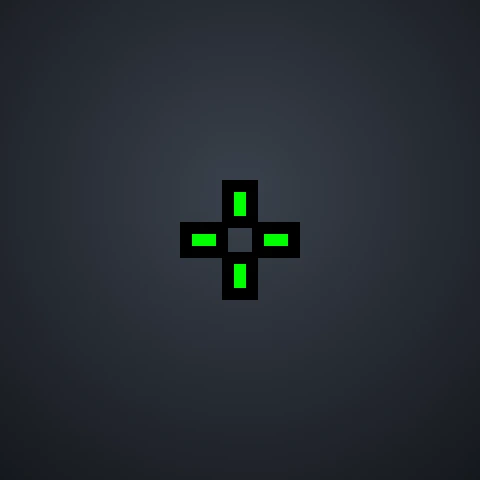
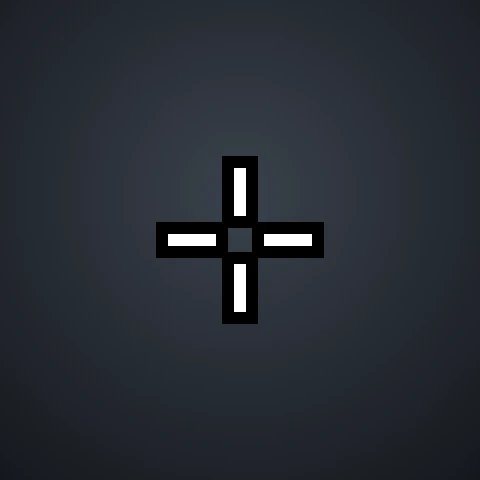
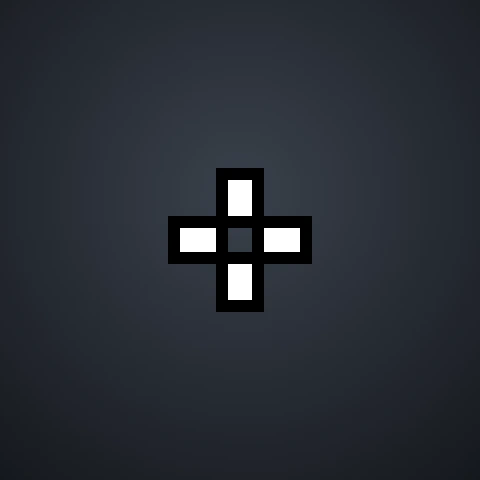
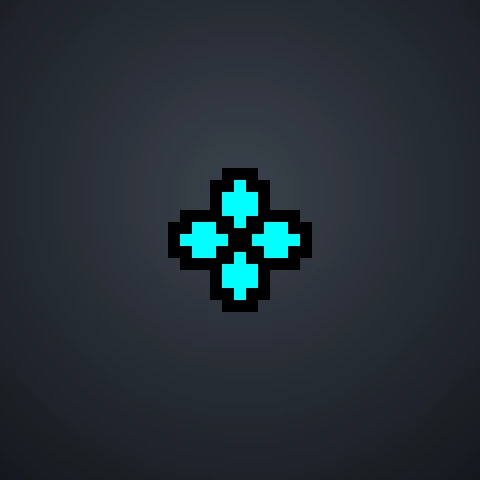
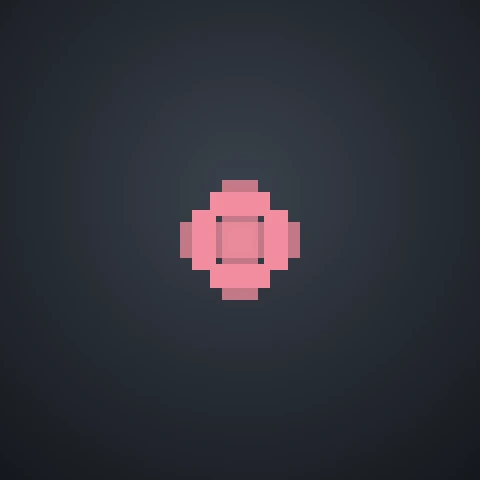
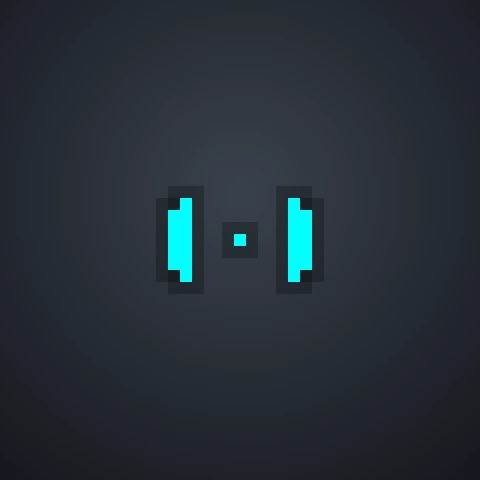
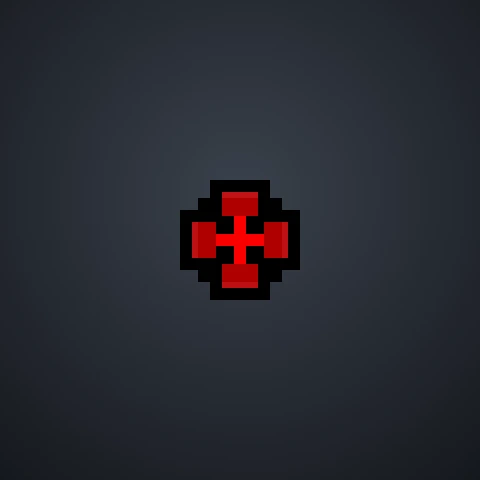
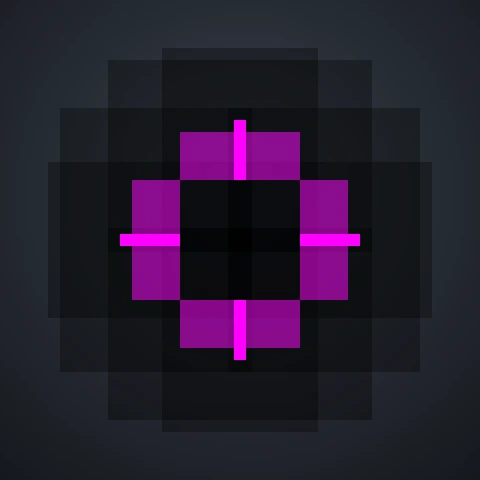
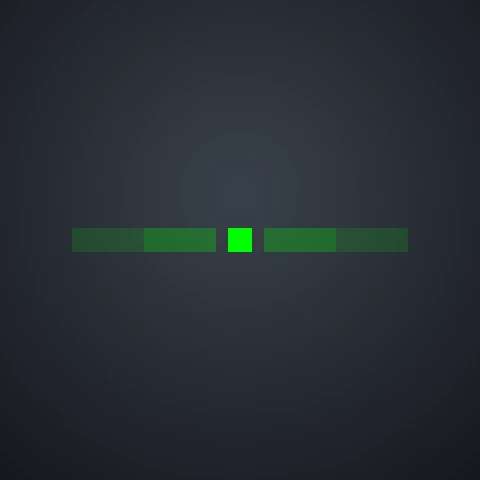
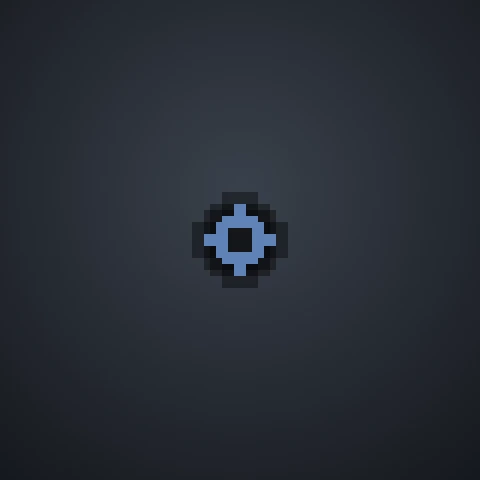
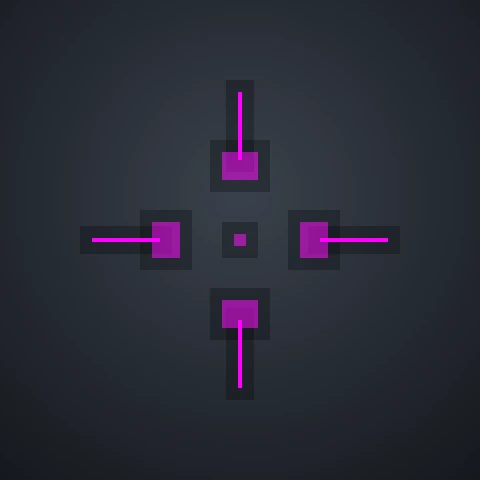
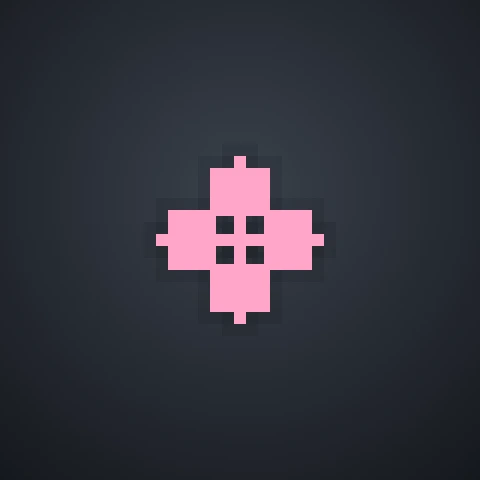
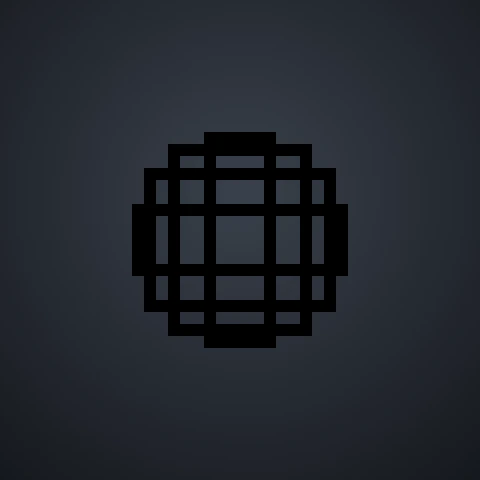
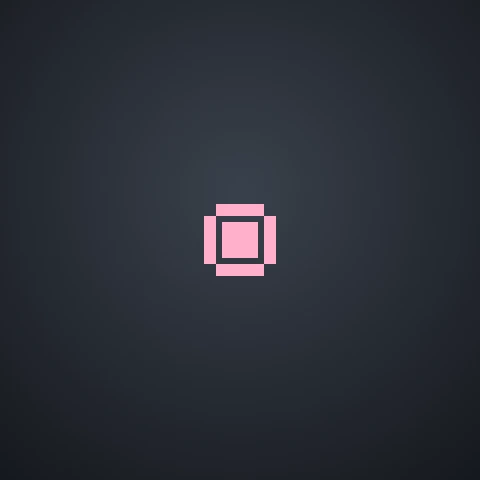
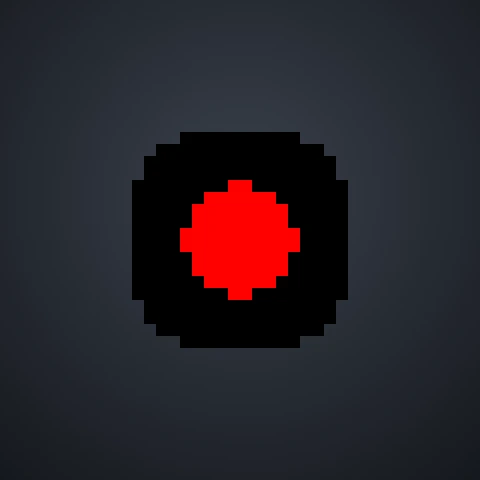
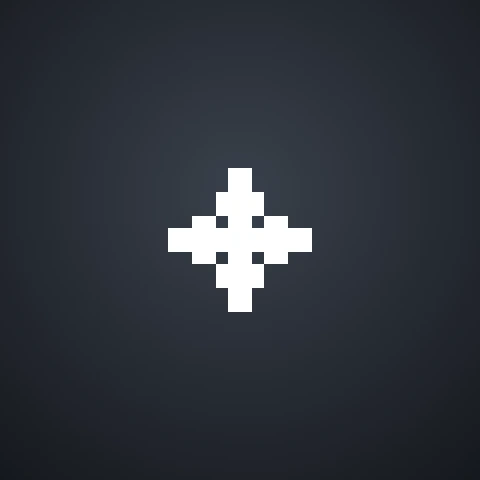
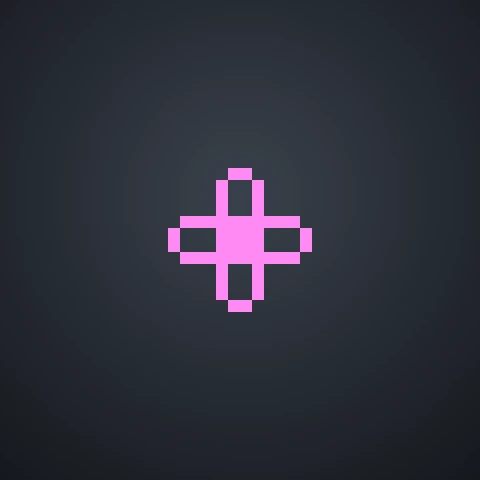
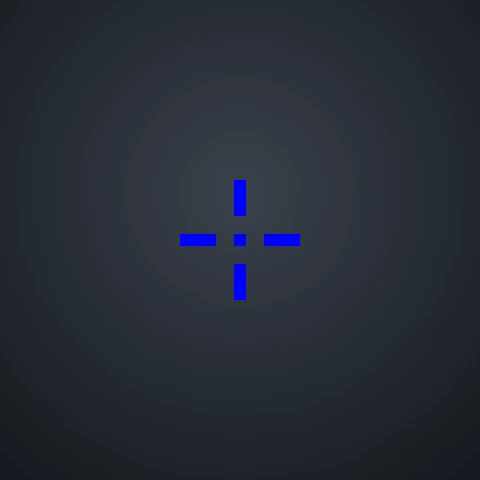
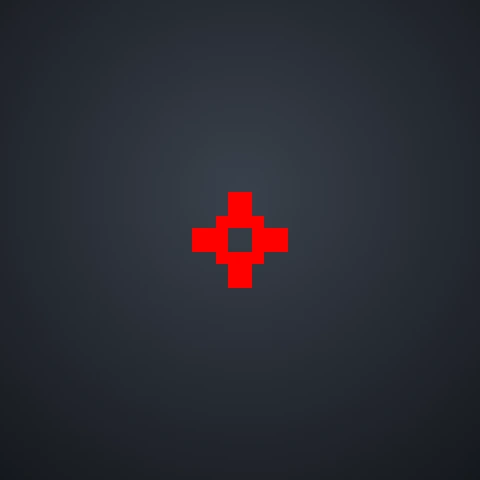
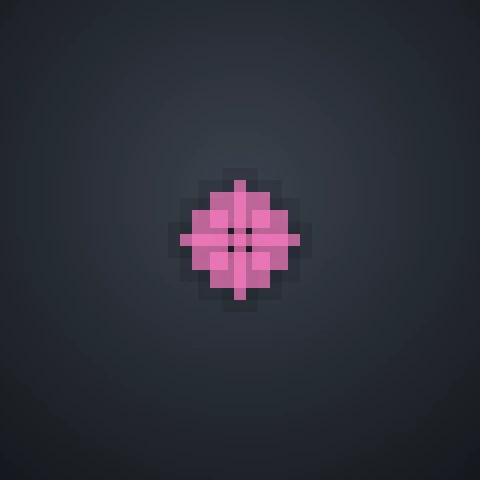
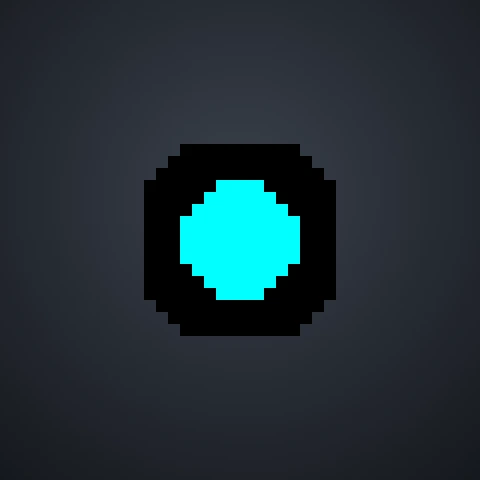
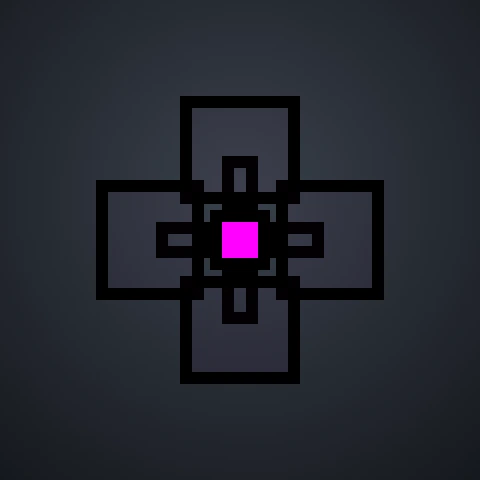
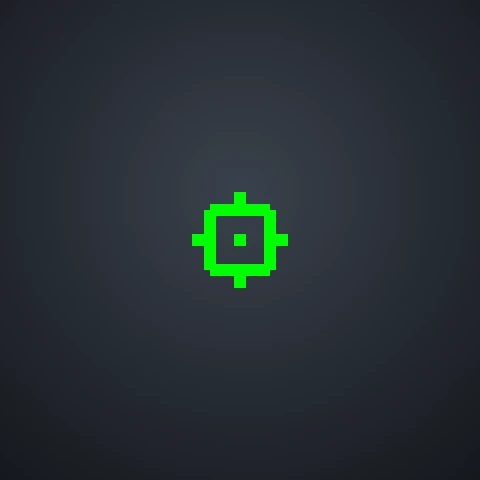
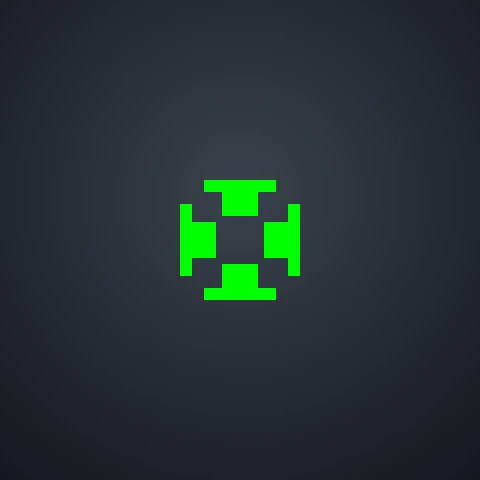
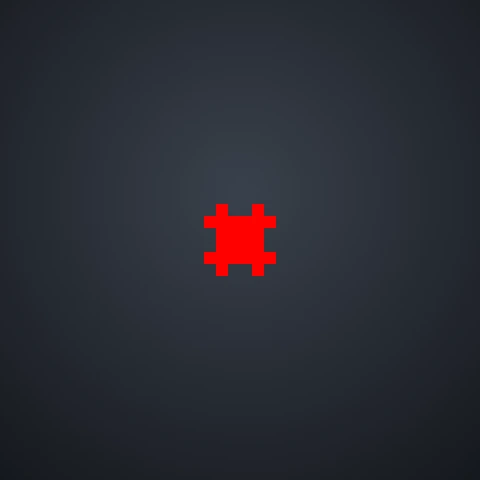
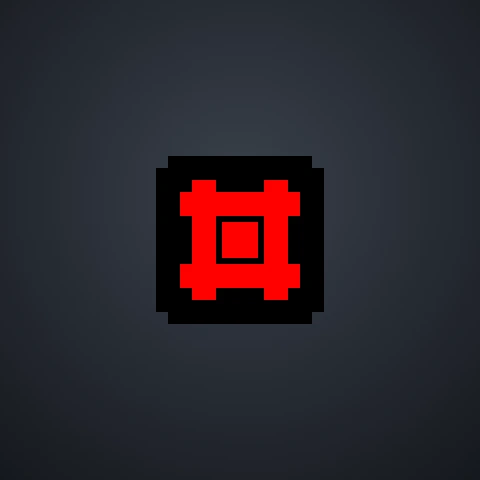
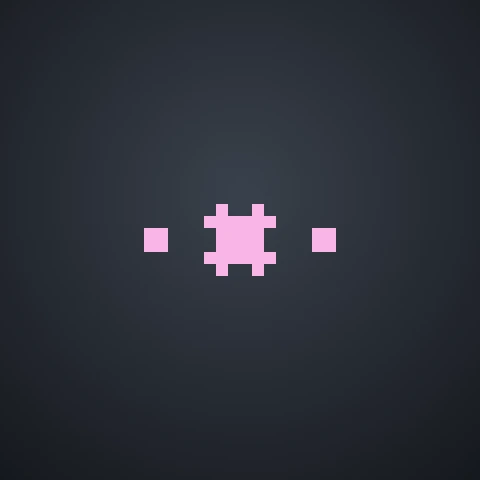
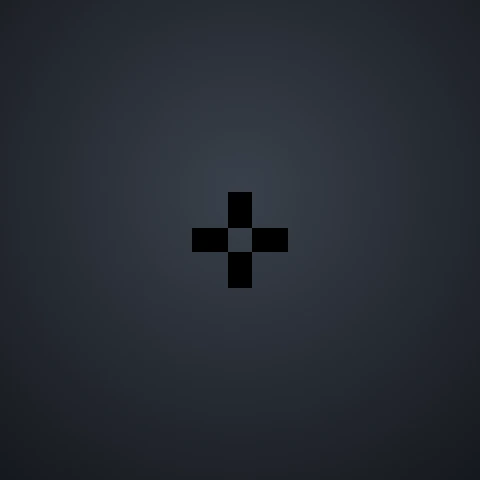
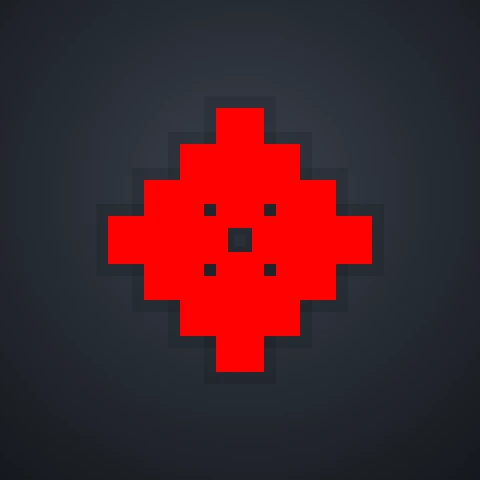
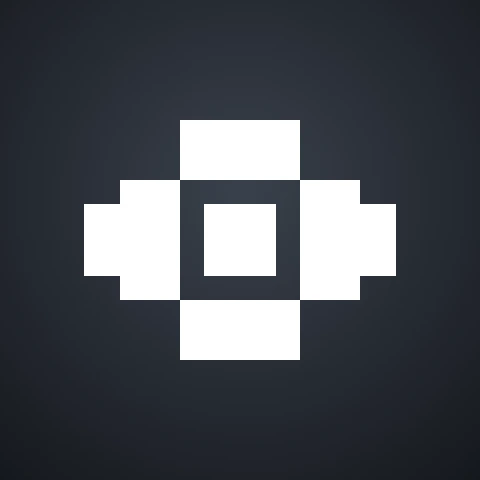
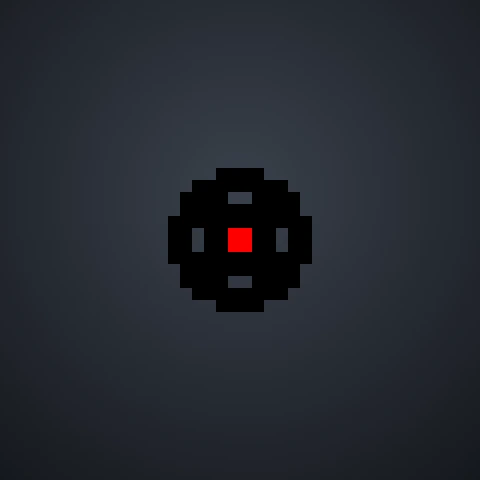
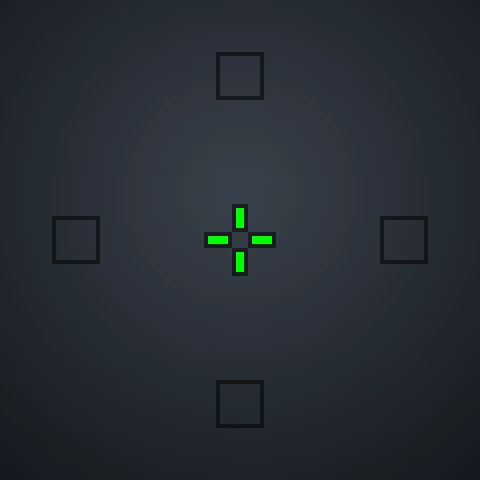
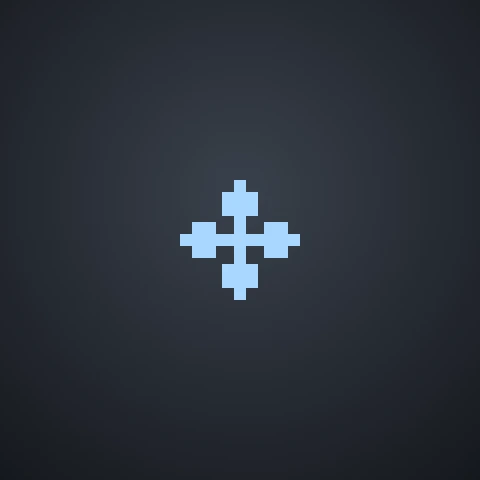
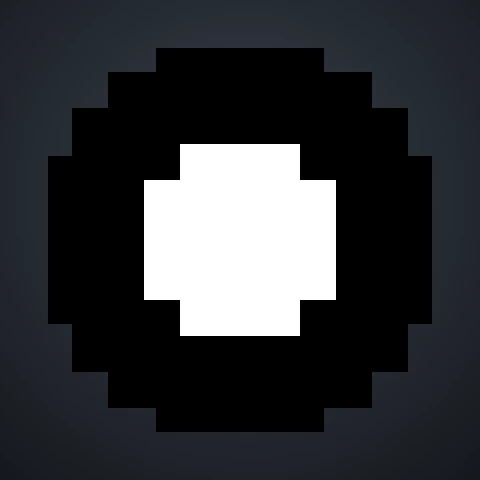
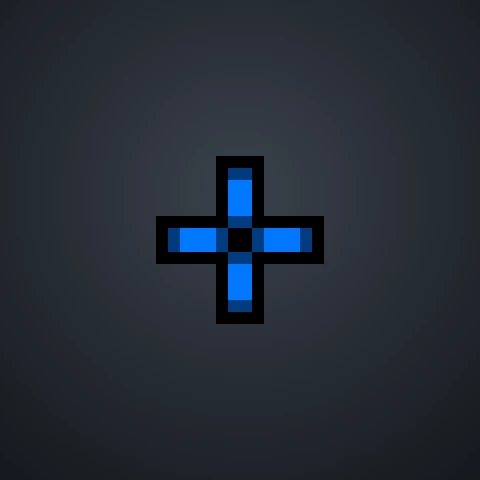
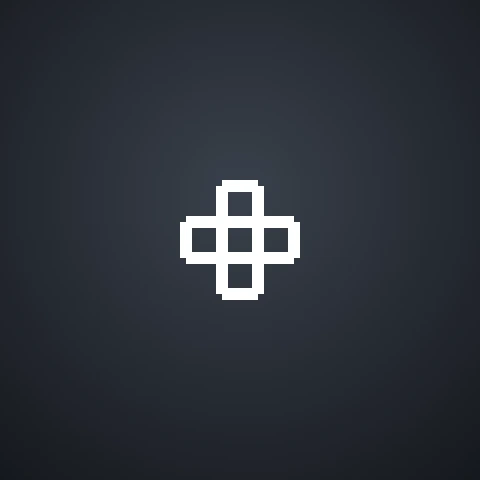
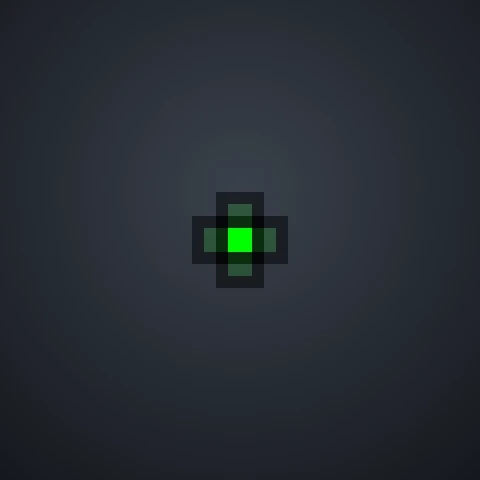
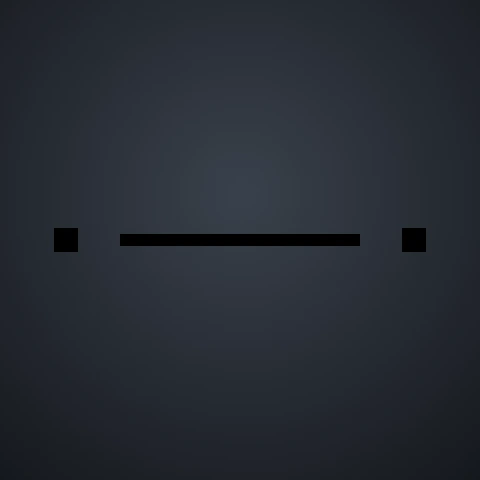
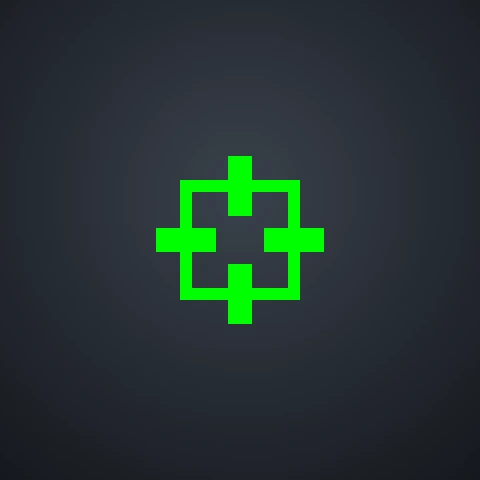
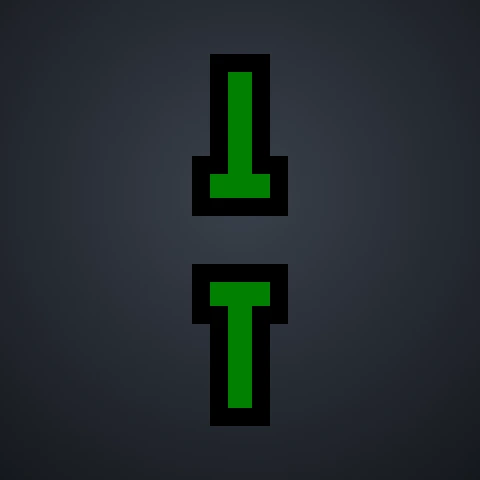
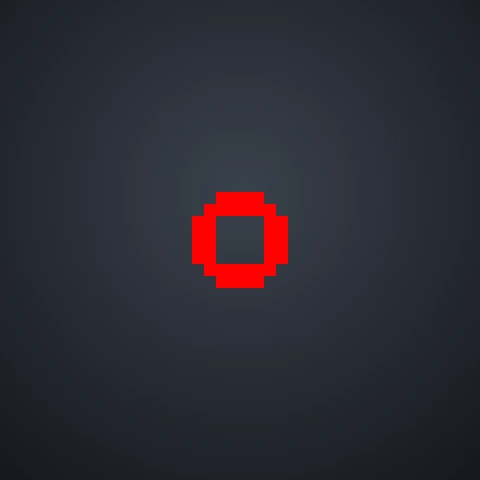
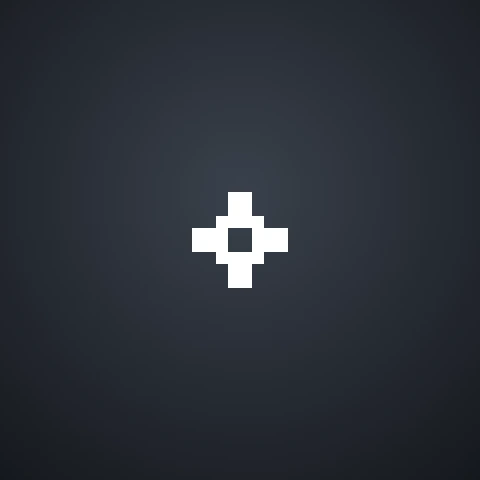
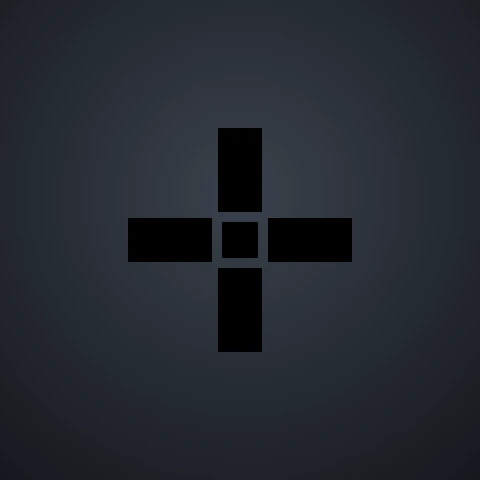
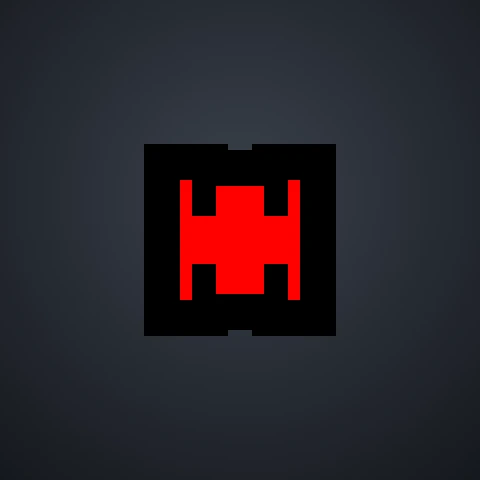
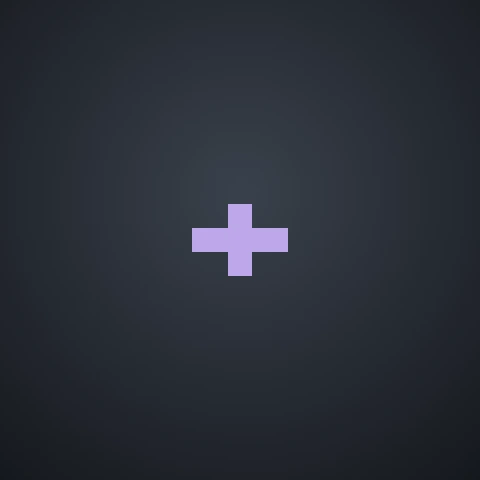
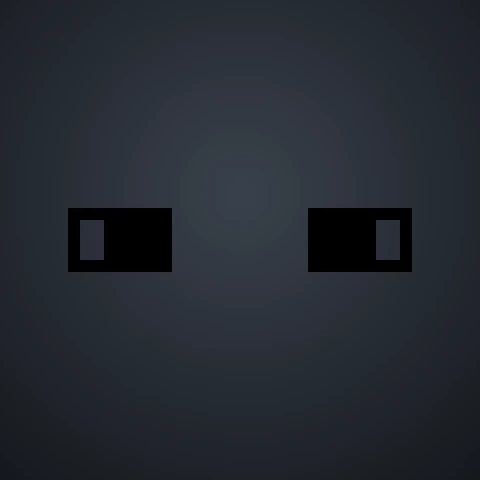
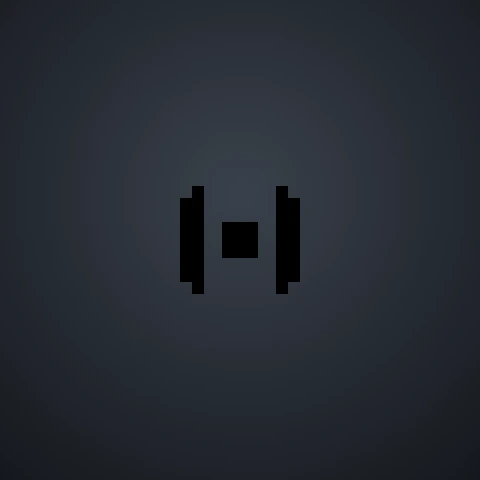
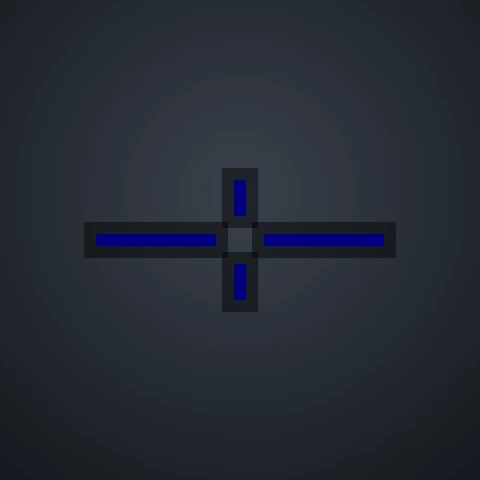
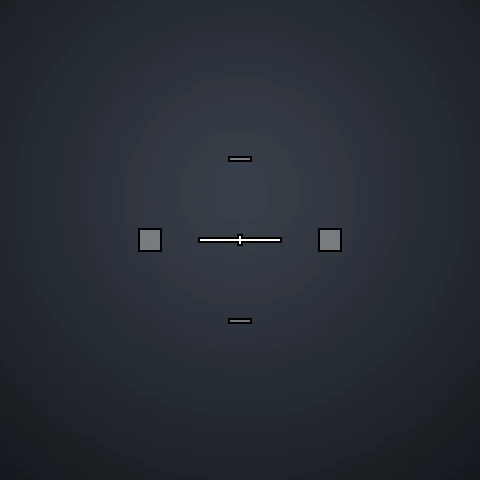
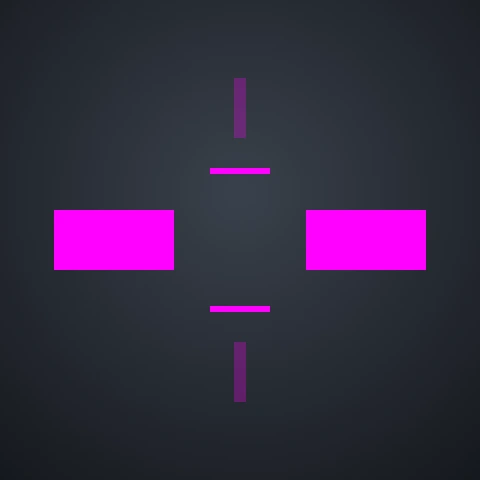
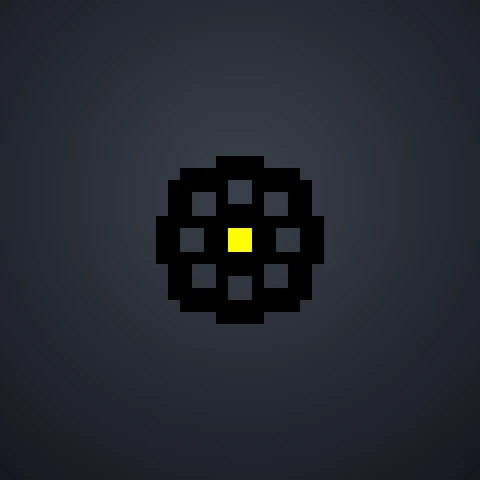
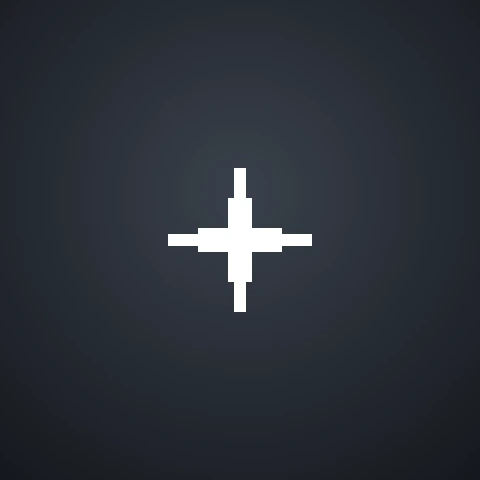
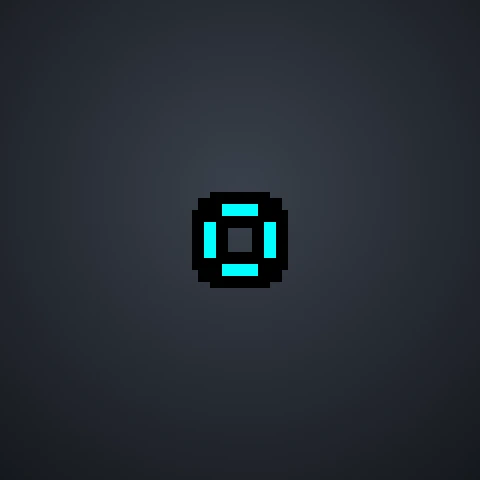
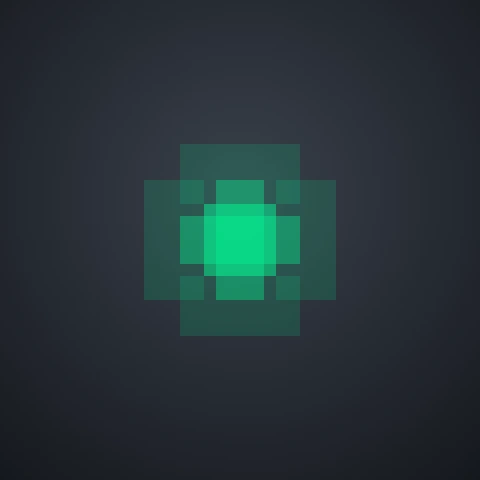
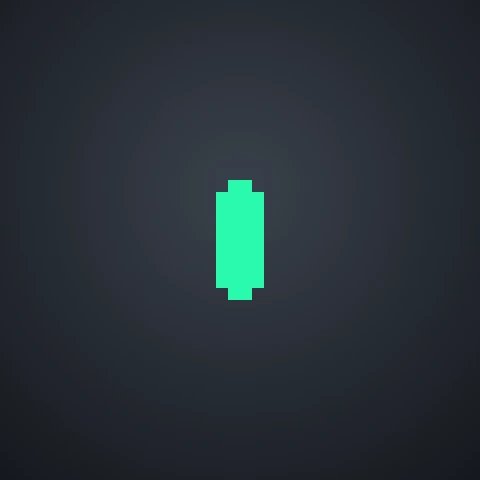
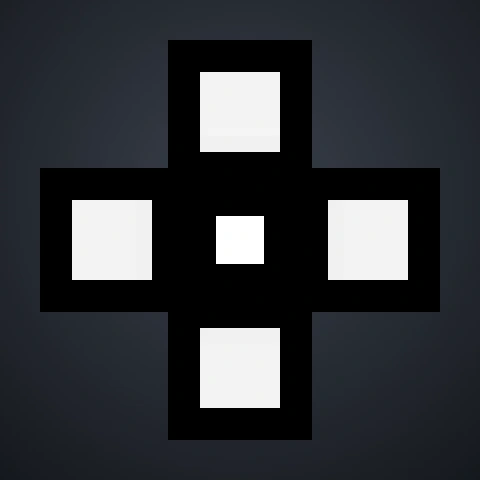
Looking for a new Valorant crosshair? Our Valorant crosshair database has 128 crosshair codes, from pro player and competitive setups to community favorites and creative designs. Every crosshair has a live preview and a one-click copy button. Whether you prefer a small dot, a classic crosshair, a circle, or something funny, you can explore different styles and find one that suits your preferences.
Find Your Next Valorant Crosshair
You don’t need to spend time adjusting every setting yourself. Choose a design from the gallery, copy its code, and import it into VALORANT in just a few steps. You can also create your own design if none of the available crosshairs feels right.
Valorant Crosshair Gallery
Explore crosshairs inspired by competitive players, streamers, and the wider VALORANT community. Browse different designs to see what other players use, or try something completely different from your usual setup.
Use the filters to show pro, competitive, funny or streamer crosshairs, search by name, or sort by newest additions or name to find a specific design or discover something you haven’t tried before.


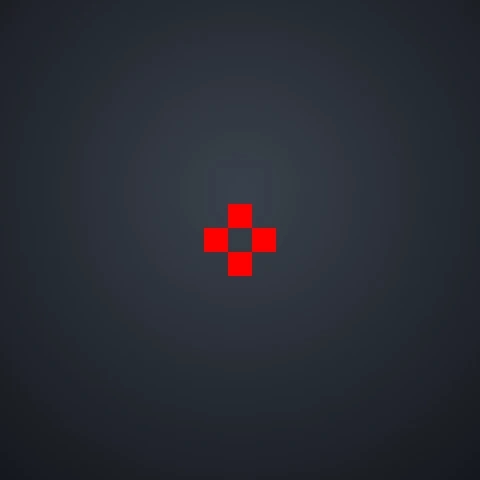
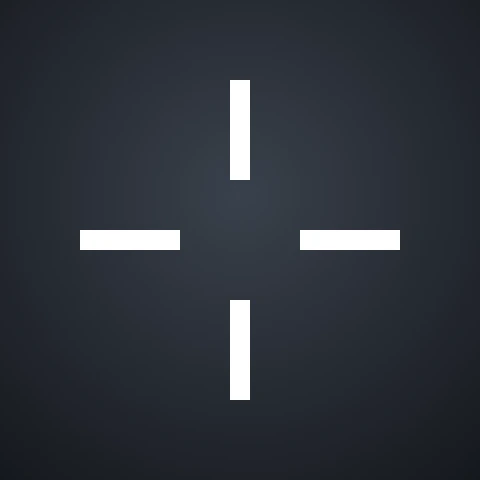
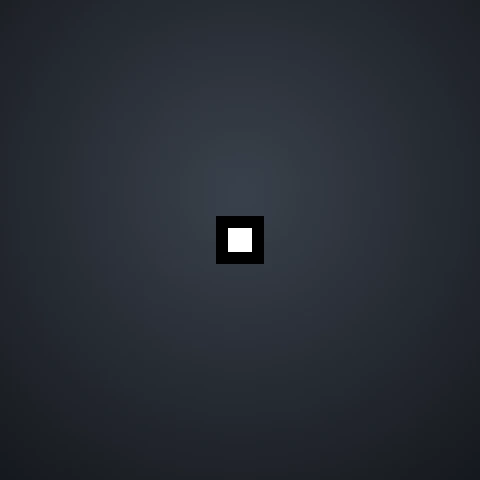


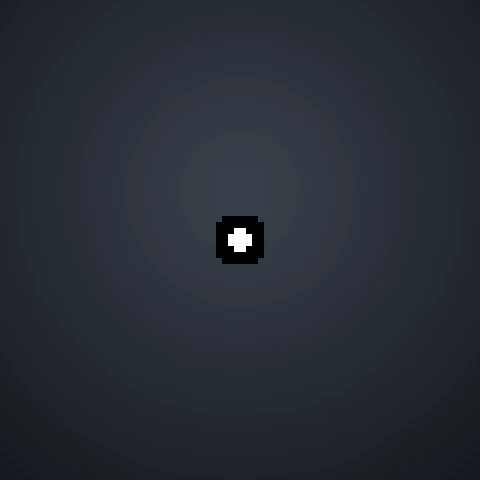
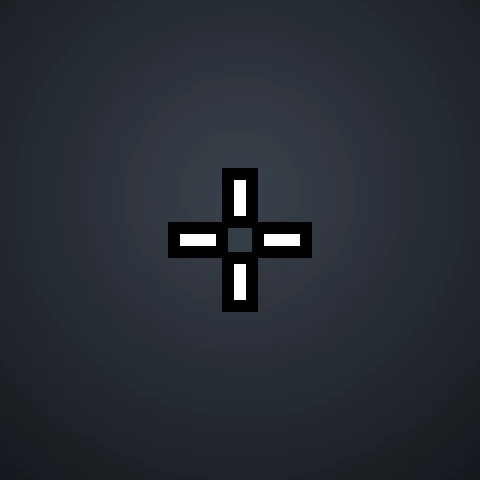
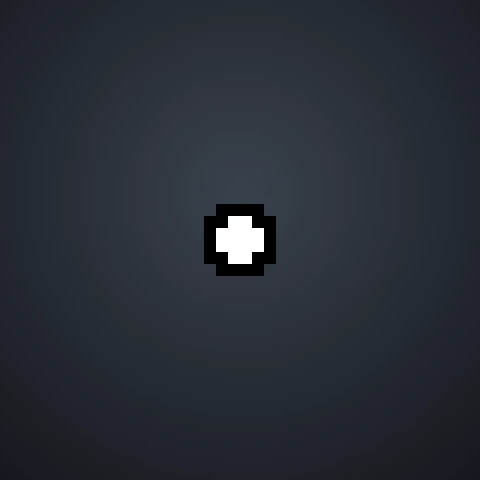
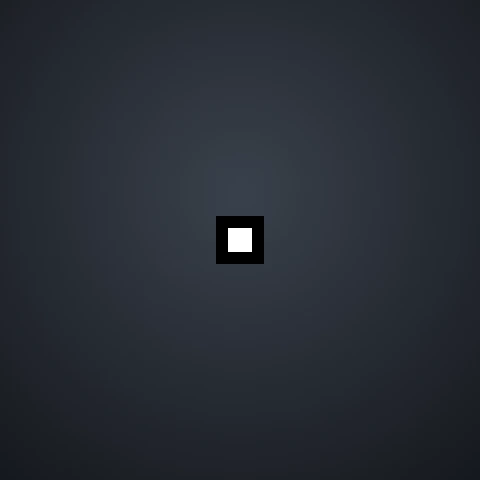
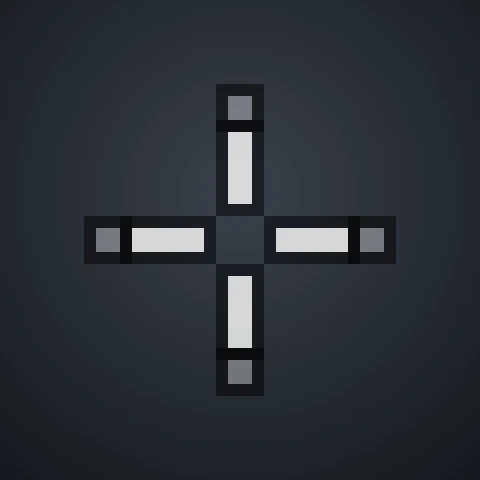






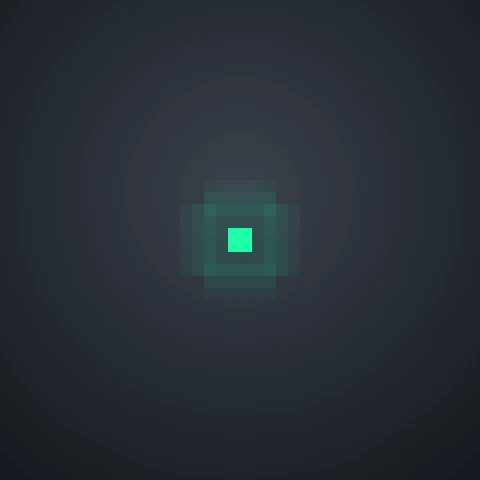
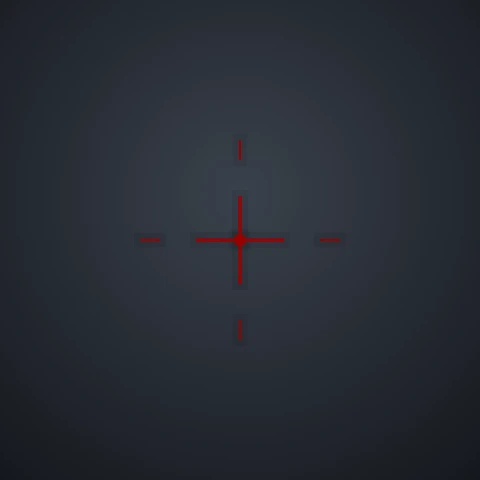
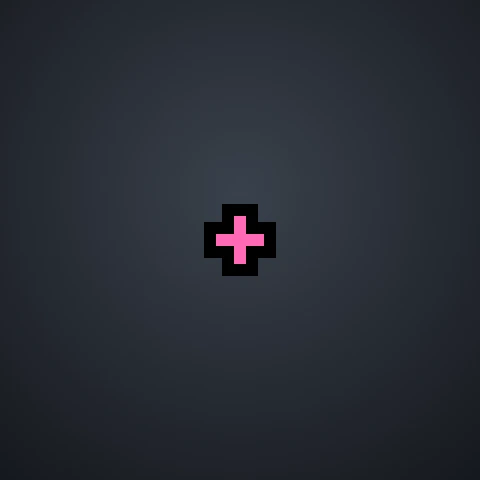
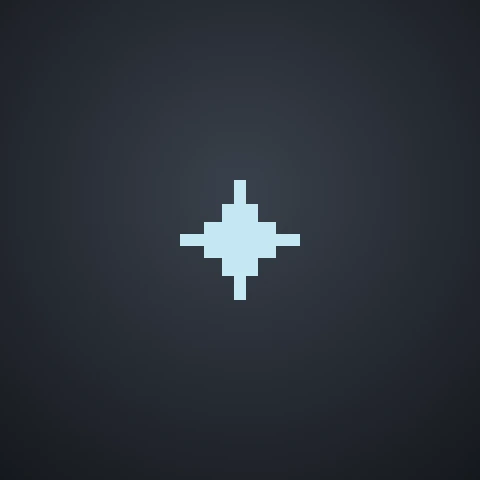
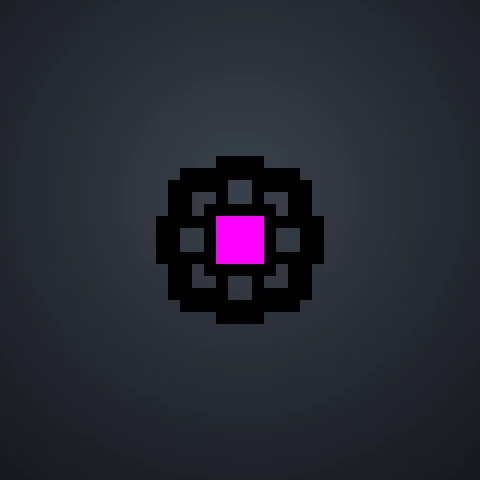
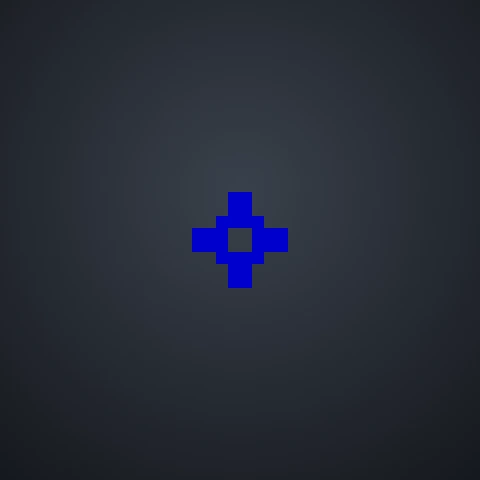
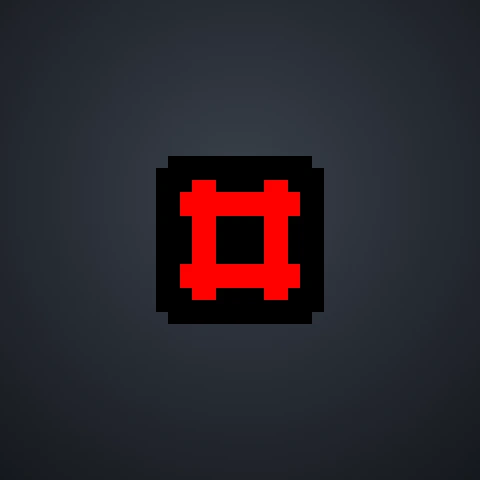
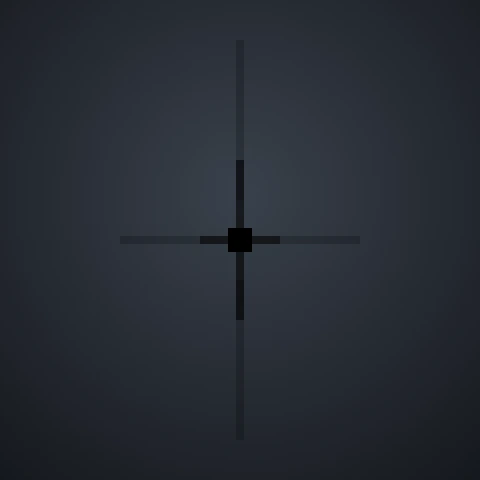



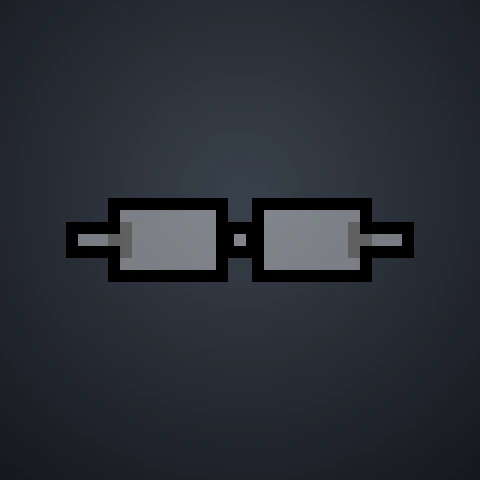
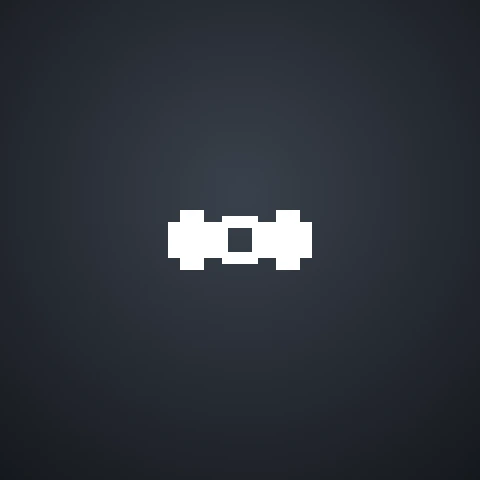
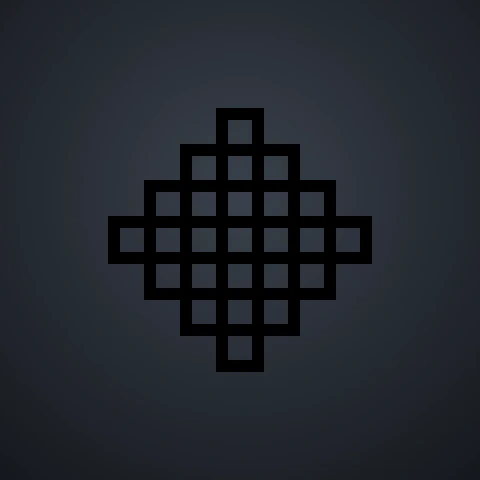
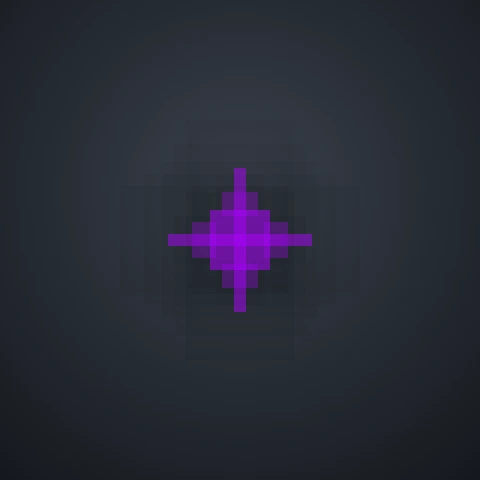


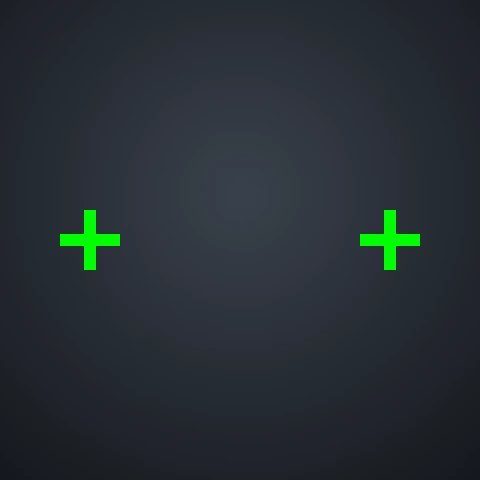
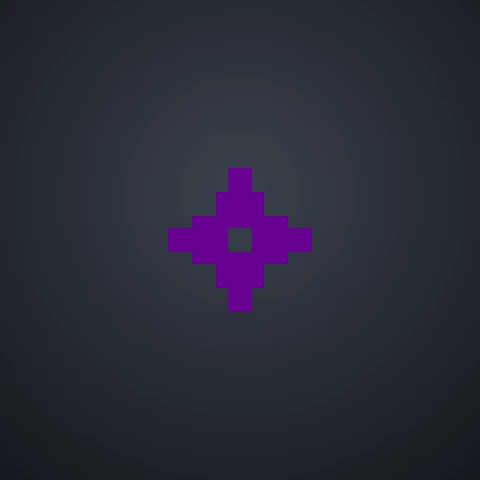
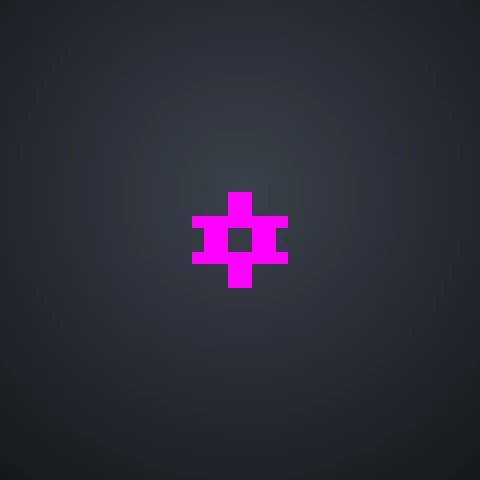
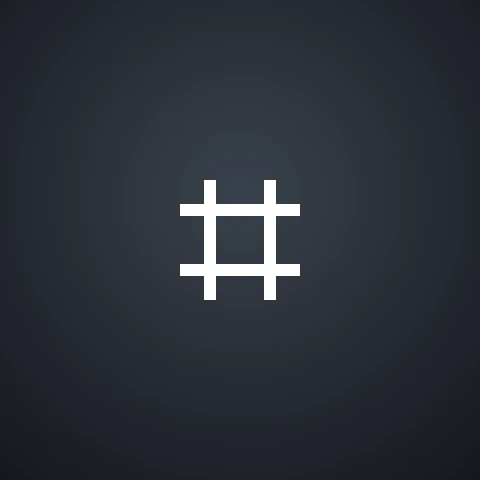

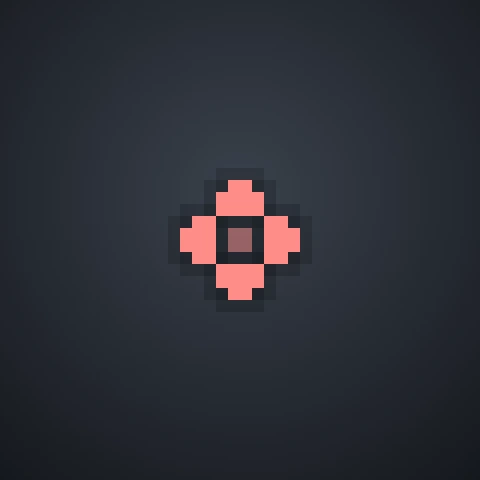
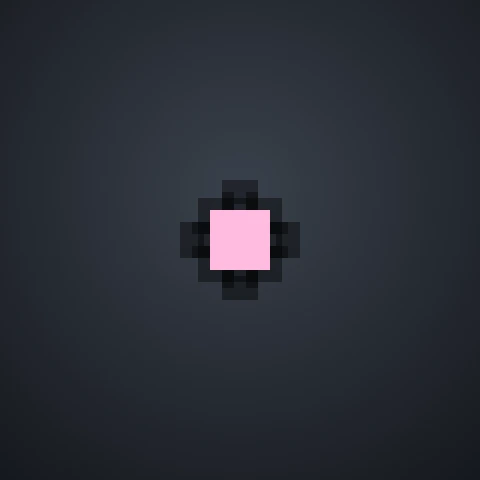
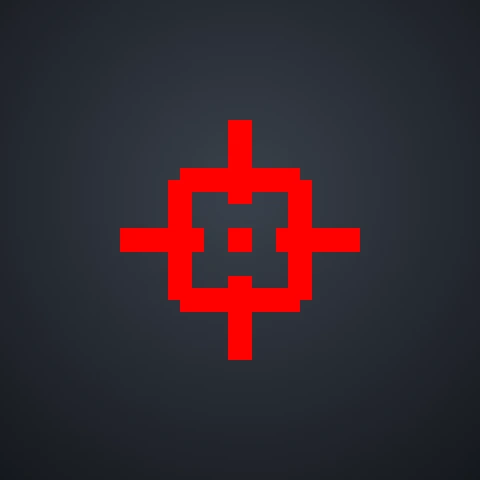

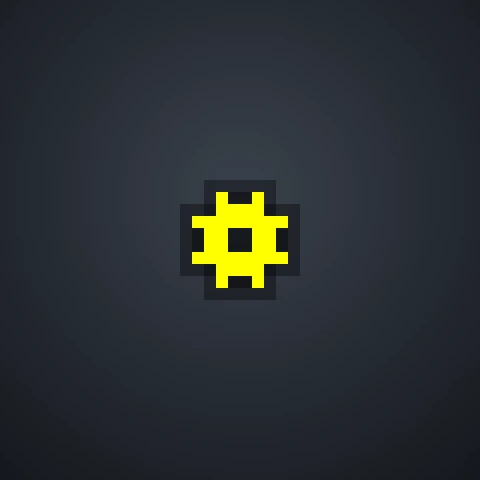
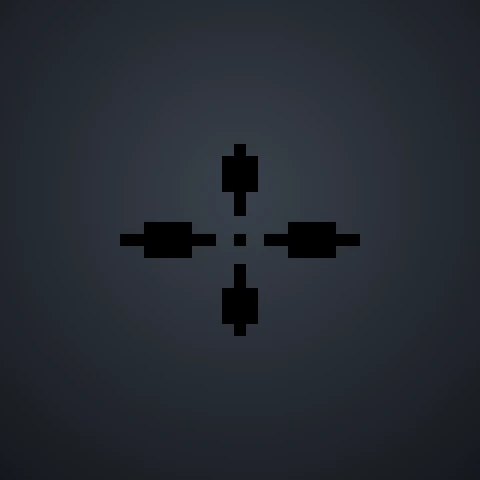
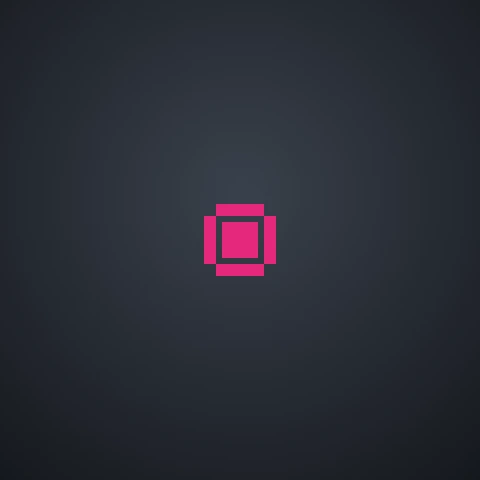
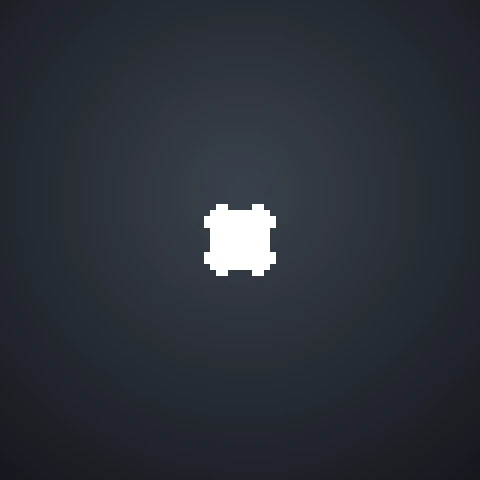
No crosshairs match that search.
Browse Crosshairs by Style
- Valorant pro crosshairs: codes used by 30 professional players and streamers.
- Valorant dot crosshairs: clean single-dot crosshairs in every color and size.
- Funny Valorant crosshairs: cats, hearts, smileys and troll designs.
- TenZ crosshair: copy TenZ’s cyan crosshair and preview it on real maps.
- Crosshair color codes: hex codes and ready-made crosshairs in every color.
- Best Valorant crosshairs: our top picks for every play style.
- Pro crosshair statistics: the colors, styles and settings pros actually use, based on 2026 data.
Valorant Crosshair Builder
Want more control over your setup? Use our Valorant crosshair builder to adjust your crosshair’s color, size, thickness, outline, and other available settings. Preview your changes as you experiment with different combinations until you find a design you like.
Once you’re happy with the result, generate your crosshair code and import it into the game. It’s a straightforward way to create a personalized crosshair without manually changing every setting in VALORANT.
How to Copy and Import a Valorant Crosshair
Found a crosshair you want to try? You can use its share code to add the design to your in-game crosshair profiles without recreating it manually.
- Copy the crosshair code: Find your preferred design in our gallery and use the copy option to copy its code.
- Open VALORANT: Launch the game and open Settings from the main menu.
- Go to the Crosshair tab: Open the Crosshair settings and locate the profile import icon beside your crosshair profiles.
- Import the code: Click the import icon, paste the copied code into the text field, and select Import.
- Select your profile: Choose the newly imported crosshair profile and check how it looks in-game.
If you need more detailed instructions, follow our guide on how to copy a Valorant crosshair. You can repeat the process whenever you find another design you want to try.
Frequently Asked Questions
What is a Valorant crosshair code?
A Valorant crosshair code is a shareable code that represents a crosshair configuration. Instead of recreating a design setting by setting, you can copy the code and import it into the game to apply the corresponding profile.
How do I find pro player crosshairs?
Browse our gallery for competitive and pro-inspired designs, or visit the pro crosshairs collection to explore crosshairs associated with professional players. Player settings can change over time, so treat these designs as a starting point rather than a guarantee of someone’s current setup.
Can I customize a crosshair after importing it?
Yes. Open the Crosshair settings in VALORANT and adjust the imported profile to your liking. You can change available settings such as color, outlines, and line dimensions, or create another profile if you want to keep the original design.
What is the best crosshair color in VALORANT?
There isn’t one color that works best in every situation. Visibility depends on the environment, map, and your personal preference, so try different colors and choose one that’s easy for you to see during a match.
Do crosshair codes improve aim?
A crosshair code won’t automatically improve your aim, but a clear, comfortable design may help you focus on your target. Experiment with different styles and choose one that feels natural during your regular gameplay.
Disclaimer: This website is independently operated and is not affiliated with or endorsed by Riot Games. VALORANT and all associated trademarks and intellectual property are owned by Riot Games, Inc.