
The right Valorant crosshair color makes your crosshair easy to see on every map without blending into enemies or abilities. Below you will find the hex codes for all in-game crosshair colors, popular custom colors, and ready-made crosshair codes in each color that you can copy and import in seconds.
















No crosshairs match that search.
Valorant Crosshair Color Codes (In-Game Presets)
These are the eight preset colors in the crosshair menu, with the hex values commonly used to match them:
| Color | Hex code |
|---|---|
| White | #FFFFFF |
| Green | #00FF00 |
| Yellow Green | #7FFF00 |
| Green Yellow | #DFFF00 |
| Yellow | #FFFF00 |
| Cyan | #00FFFF |
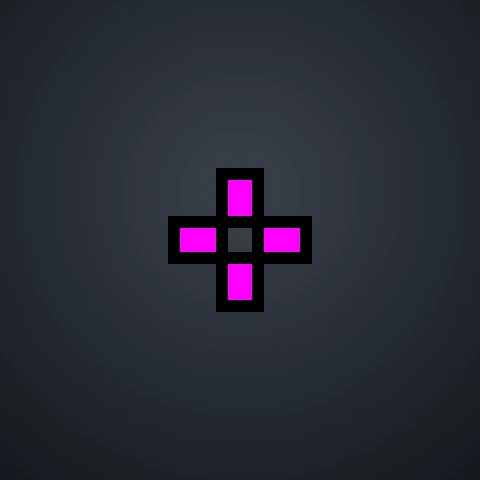
| Pink | #FF00FF |
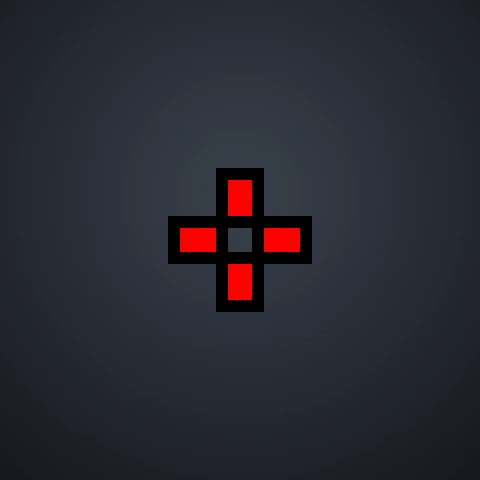
| Red | #FF0000 |
Popular Custom Crosshair Colors
VALORANT also lets you pick any color with a hex code. These are some of the most popular custom choices:
| Color | Hex code |
|---|---|
| Neon Pink | #FF69B4 |
| Purple | #A020F0 |
| Orange | #FF8C00 |
| Light Blue | #00BFFF |
| Lime | #32CD32 |
| Gold | #FFD700 |
| Baby Pink | #FFB6C1 |
| Teal | #00C9A7 |
| Lavender | #C8A2FF |
| Black | #000000 |
How to Use a Custom Crosshair Color in VALORANT
- Open Settings → Crosshair and select the Primary tab.
- Set Crosshair Color to Custom.
- Type the hex code (for example
FF69B4) into the Crosshair Color Hex field and press Enter.
Or skip the menus: click Copy code on any crosshair above and import it, or open our crosshair builder, enter any hex code under “Use custom” and copy your own crosshair.
What Is the Best Crosshair Color in VALORANT?
- Cyan: the most popular choice among pros. It stands out on almost every map and rarely matches anything in the game. See the TenZ crosshair for a well-known example.
- Yellow and green: very visible on darker maps like Lotus and Sunset.
- White: clean and neutral, but add an outline because it can disappear on bright walls.
- Avoid red and pink if you use the default red enemy highlight, since your crosshair can blend into enemy outlines.
If you are colorblind or use a different enemy highlight color in Settings → General, pick a crosshair color that contrasts with that highlight. Test it on several maps in our builder before importing.
Frequently Asked Questions
Can I use any color for my Valorant crosshair?
Yes. Choose Custom as the crosshair color and enter any hex code. The color is also saved in your crosshair code, so friends who import it get the same color.
What is the hex code for cyan in Valorant?
The cyan preset is usually written as #00FFFF. You can also pick it directly from the preset colors without a hex code.
Why does my crosshair color look different in game?
Monitor settings, outlines and the background all change how a color looks. Outlines in particular make bright colors look darker. Try a few colors in the Range to find the one you see best.
Disclaimer: This website is independently operated and is not affiliated with or endorsed by Riot Games. VALORANT and all associated trademarks and intellectual property are owned by Riot Games, Inc.