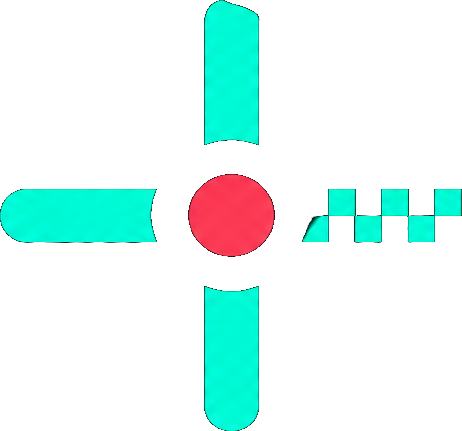
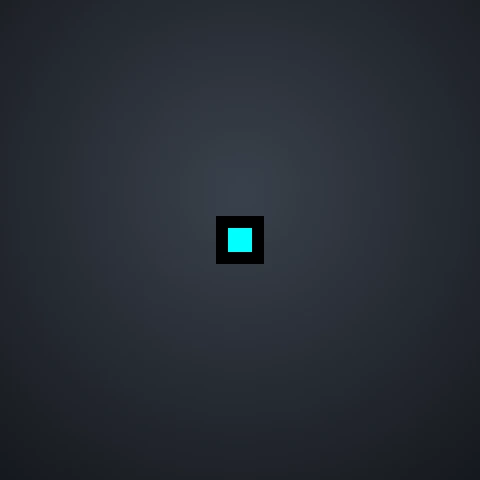
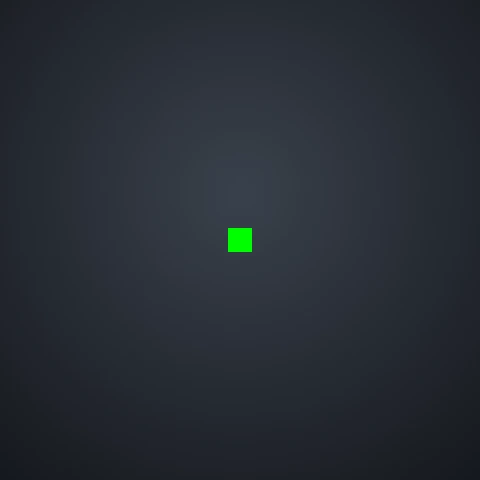
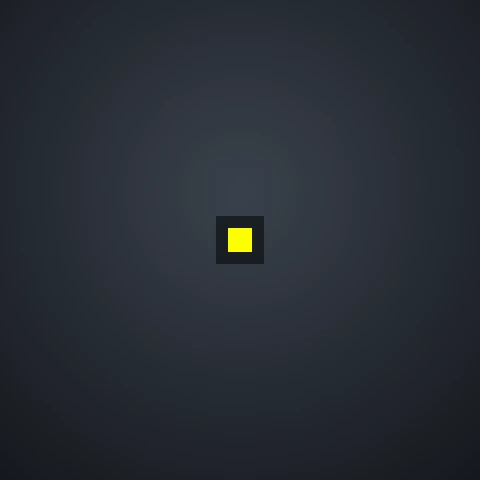
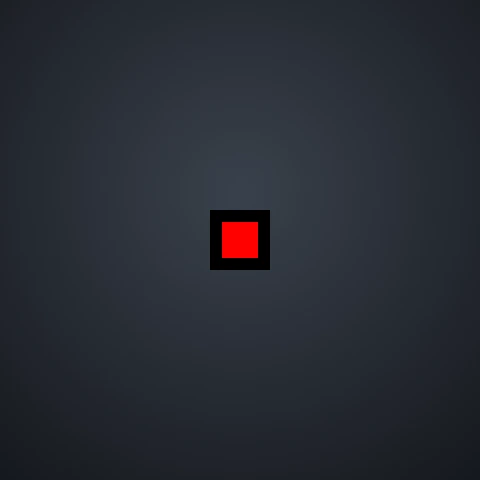
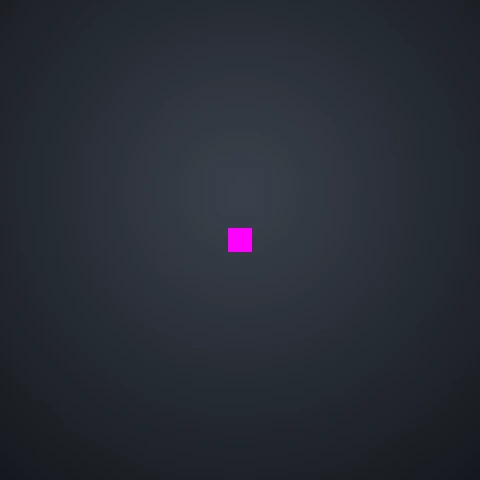
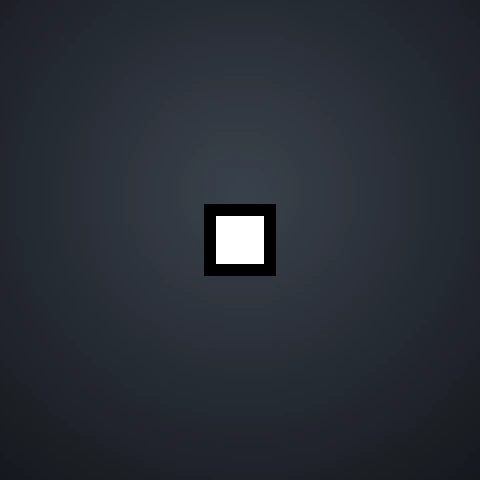
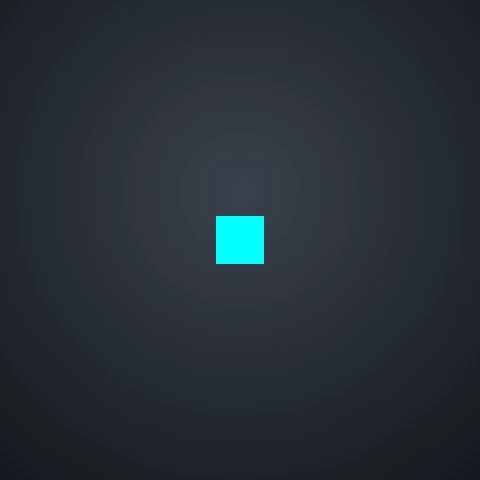
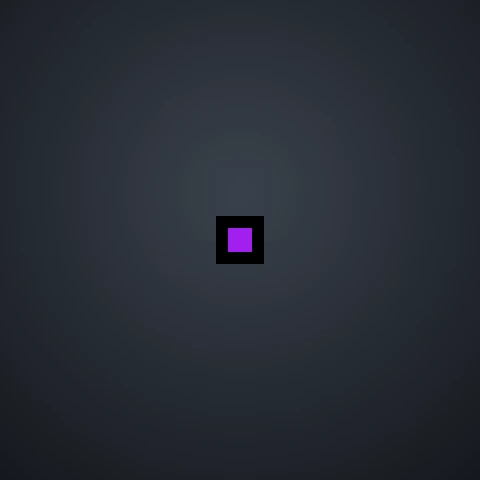
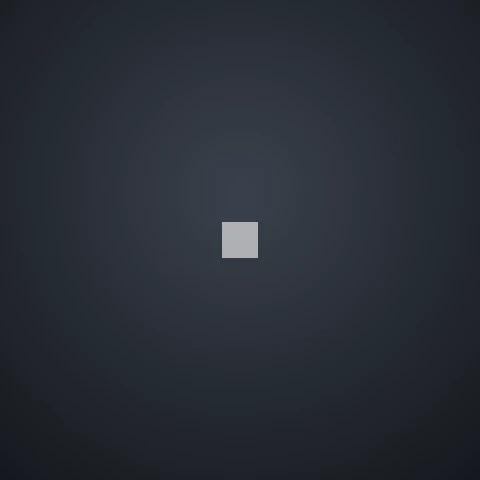
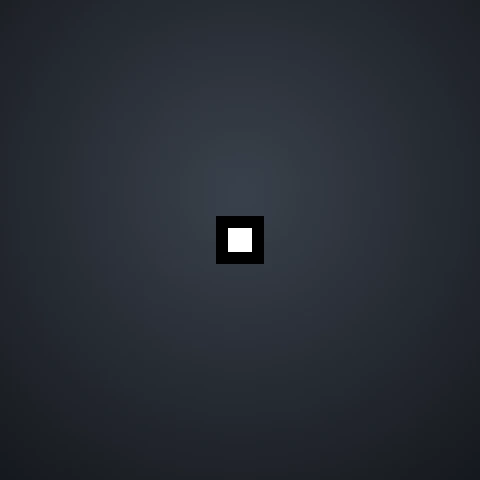
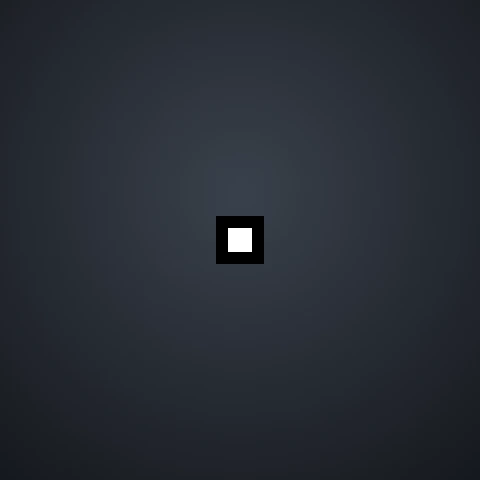
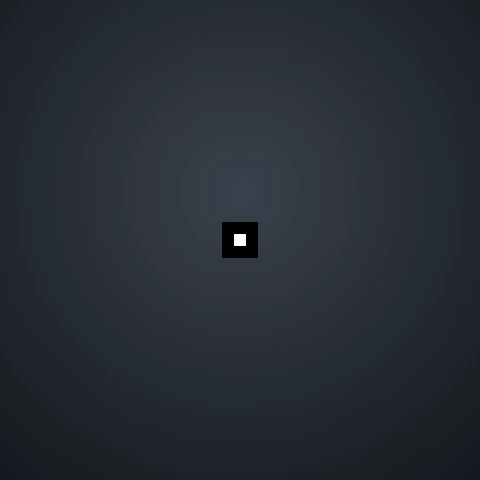
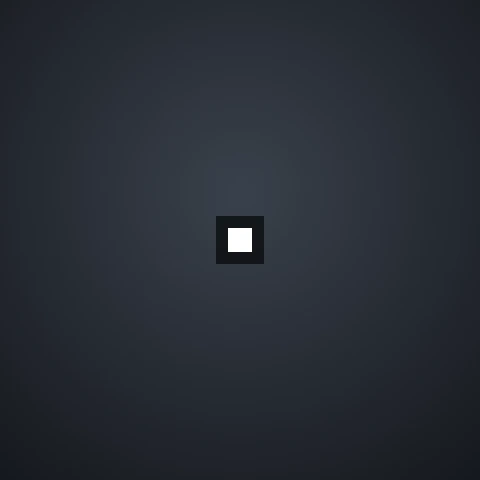
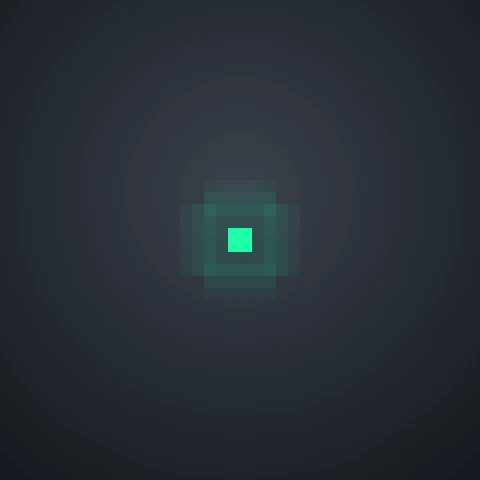
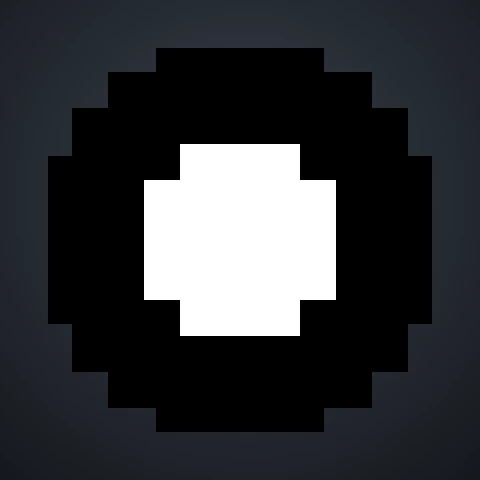
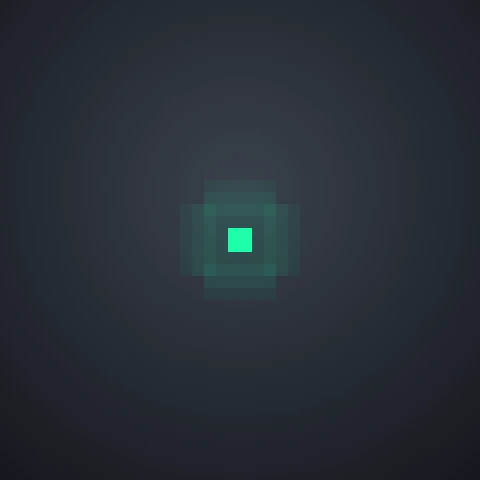
A Valorant dot crosshair is a single point in the middle of your screen with no lines around it. It covers almost nothing of your target, which is why many players use it for precise headshots. Below you can copy dot crosshair codes in every common color and size, plus dot crosshairs used by pro players.
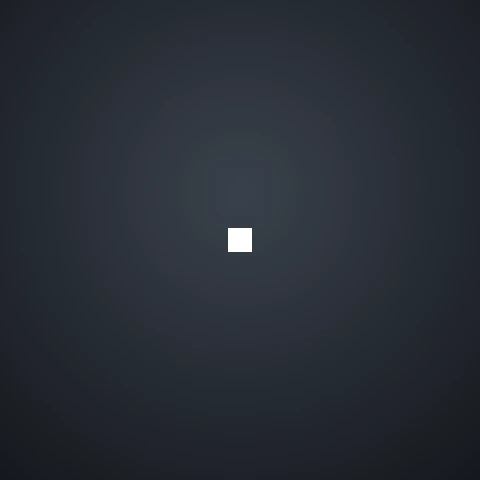
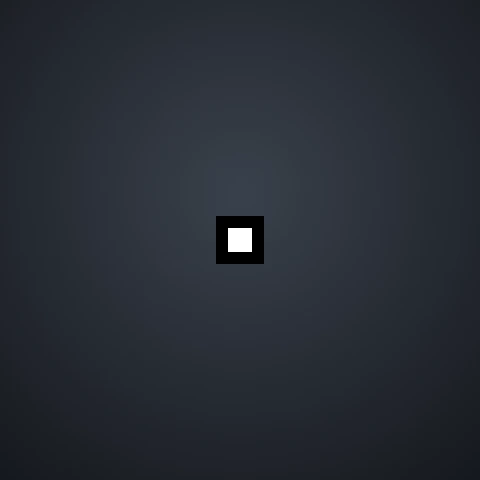

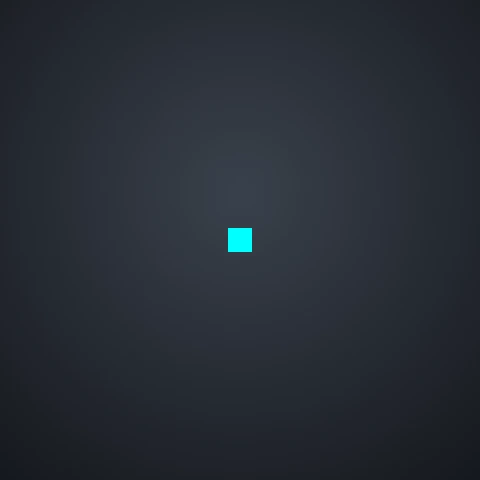
No crosshairs match that search.
Why Use a Dot Crosshair?
- Clear view of your target: a small dot hides less of the enemy model than a cross, so it is easier to see small movements at long range.
- Precise head-level aim: one point makes it easy to keep your aim exactly where an enemy head will appear.
- Less visual clutter: nothing moves or spreads, so the screen stays calm during fights.
The downside is that a dot gives no feedback while you spray, and it can be harder to see on busy backgrounds. If that bothers you, add an outline or switch to a larger size.
Best Dot Crosshair Settings
- Center dot: on, with inner and outer lines turned off.
- Dot thickness: 2 is the most common choice. Use 3–4 if the dot is hard to see on a high-resolution monitor.
- Color: cyan, yellow and white stand out on most maps. Avoid red and pink, which can blend into enemy outlines and abilities.
- Outlines: turn them on at full opacity if you lose the dot on bright walls.
Not sure which looks best? Load any dot into our crosshair builder and switch between map backgrounds to compare them before importing.
Pro Players Who Use a Dot Crosshair
Several pro players in our gallery use a plain dot, including Meteor, kaajak, Keiko, timotino and Suygetsu. Their codes are in the Pro filter above. The most famous dot user is ScreaM, the "headshot machine": copy his cyan dot on our ScreaM crosshair page. Pros change their settings from time to time, so treat these as a starting point.
How to Import a Dot Crosshair Code
- Click Copy code on the crosshair you like.
- In VALORANT, open Settings → Crosshair.
- Click the Import Profile Code icon, paste the code and click Import.
Need more detail? Read our full guide on how to copy a Valorant crosshair.
Frequently Asked Questions
What is the best dot crosshair in VALORANT?
A cyan or white dot with thickness 2 and outlines on is the most popular setup, because it is easy to see on almost every map. The best one for you depends on your monitor and the colors you see best.
Is a dot crosshair good for beginners?
It can be. A dot keeps your focus on head level, but it gives no information about spray and movement. Many players start with a small cross and switch to a dot once their crosshair placement improves.
How do I make a dot-only crosshair?
In Settings → Crosshair, turn on the center dot and set the opacity of the inner and outer lines to 0, or turn the lines off. You can also copy any code above.
Disclaimer: This website is independently operated and is not affiliated with or endorsed by Riot Games. VALORANT and all associated trademarks and intellectual property are owned by Riot Games, Inc.