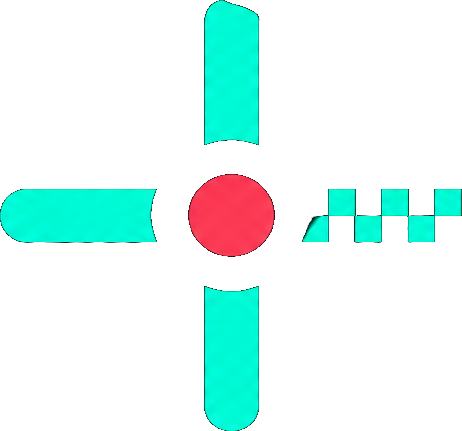
TenZ’s crosshair is one of the most copied crosshairs in VALORANT: a small, static cyan plus sign with no center dot and no outer lines. Below you can copy the TenZ crosshair code, preview it on real map backgrounds, see every setting it uses and import it into the game in seconds.
TenZ Crosshair Code
0;s;1;P;c;5;o;0;f;0;0l;2;0v;2;0g;1;0o;1;0a;1;0f;0;1b;0Copy the code above, or use the builder below. It opens with TenZ’s crosshair already loaded, so you can check how it looks on different maps, click Copy code, or adjust it before importing.
Edit an existing code
Preview is scaled for 1920×1080. Pick a map below to check visibility; “Real size” shows roughly how big it looks in game. Movement and firing error aren’t animated but are saved in the code.
TenZ Crosshair Settings
| Setting | Value |
|---|---|
| Color | Cyan |
| Outlines | On, opacity 0 (invisible) |
| Center dot | Off |
| Inner lines | Opacity 1, length 2, thickness 2, offset 1 |
| Inner line movement / firing error | Off / Off |
| Outer lines | Off |
| Fade crosshair with firing error | Off |
The outlines are technically switched on but set to 0 opacity, so they are invisible. The result is a clean, thin cyan cross without a dark border.
Why the TenZ Crosshair Works
- Small and precise: short lines and a 1-pixel gap keep the center clear for head-level aim without covering the target.
- Static: with movement and firing error off, the crosshair never spreads, so it always shows the same spot during fights.
- Cyan stands out: cyan contrasts well with most VALORANT maps and rarely blends into enemy outlines or abilities.
If the cross feels too small on your monitor, try length 3 or thickness 3 in the builder. TenZ plays at a high resolution, so the same settings look slightly bigger at 1920×1080.
How to Import the TenZ Crosshair
- Click Copy code on the crosshair you like.
- In VALORANT, open Settings → Crosshair.
- Click the Import Profile Code icon, paste the code and click Import.
Need screenshots? Follow our guide on how to copy a Valorant crosshair.
Crosshairs Similar to TenZ
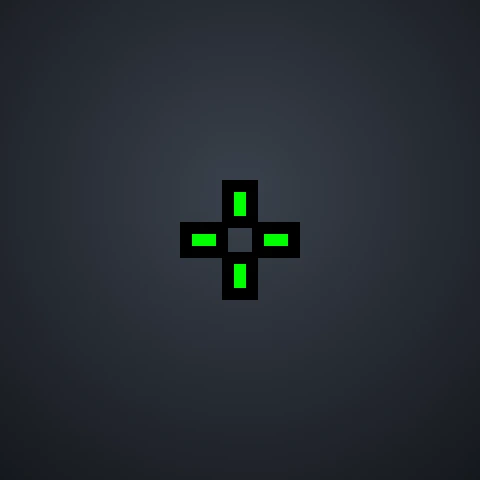
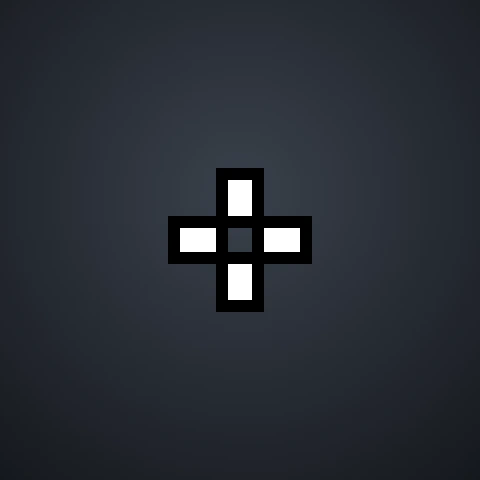
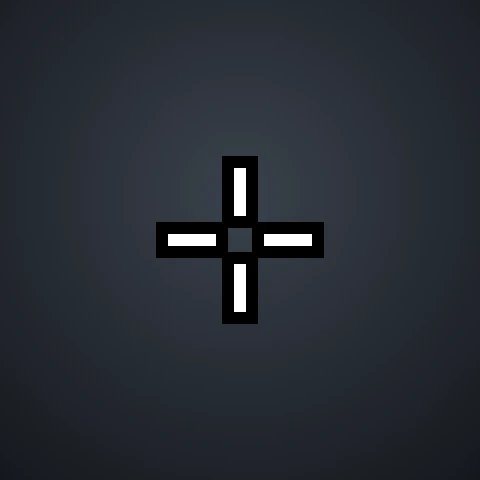
Like the clean, small style? These pro crosshairs use a similar setup. See all of them on our Valorant pro crosshairs page.




No crosshairs match that search.
Frequently Asked Questions
What is TenZ’s crosshair code?
TenZ’s crosshair code is 0;s;1;P;c;5;o;0;f;0;0l;2;0v;2;0g;1;0o;1;0a;1;0f;0;1b;0. Paste it into Settings → Crosshair → Import Profile Code in VALORANT.
What color is TenZ’s crosshair?
TenZ uses cyan, one of the preset crosshair colors in VALORANT.
Is the TenZ crosshair good for beginners?
Yes. It is small and static, which helps you focus on crosshair placement. If you struggle to see it, add an outline in the builder before importing.
Does TenZ change his crosshair often?
Pros adjust their settings from time to time. We check TenZ’s current settings on specs.gg regularly and update this page when his crosshair changes, but you can always tweak the code in our crosshair builder to suit your own preferences.
Disclaimer: This website is independently operated and is not affiliated with or endorsed by Riot Games. VALORANT and all associated trademarks and intellectual property are owned by Riot Games, Inc.