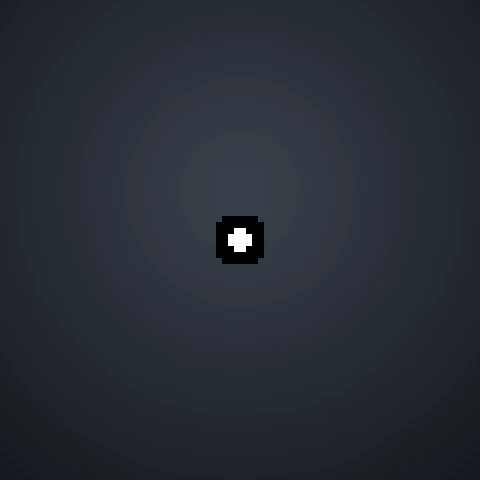
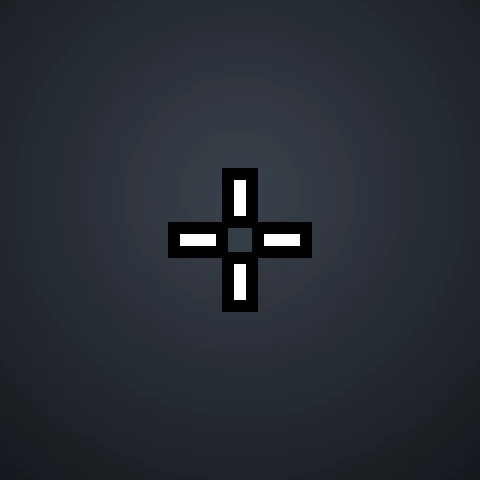
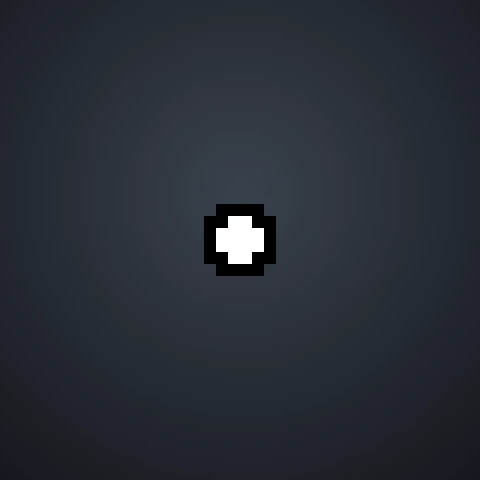
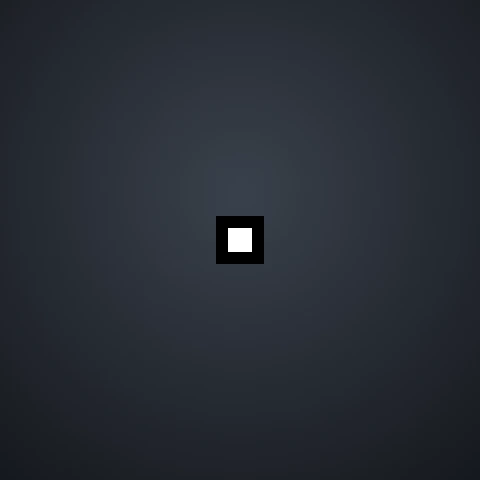
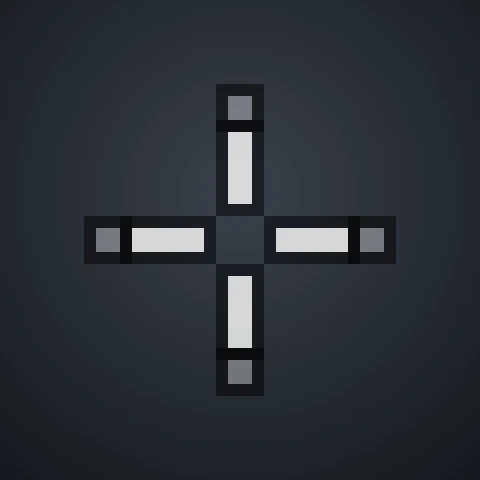
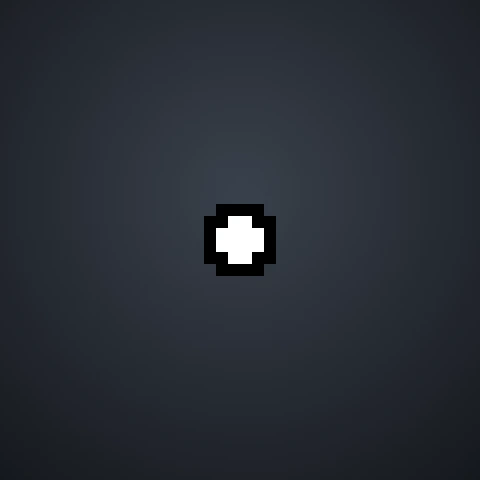
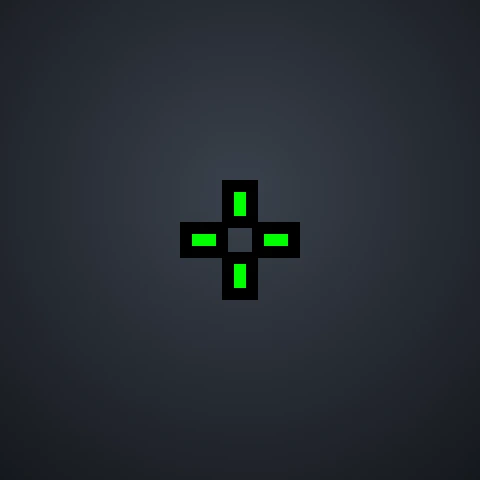
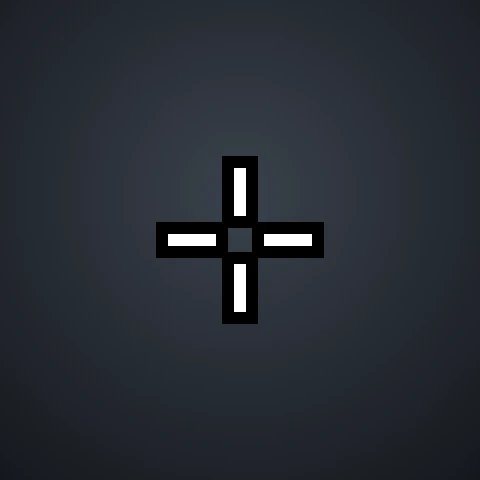
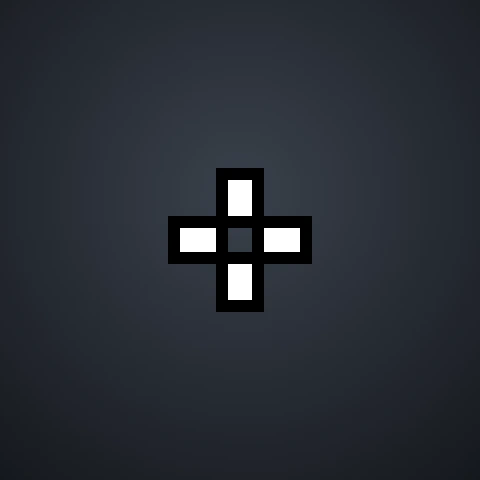
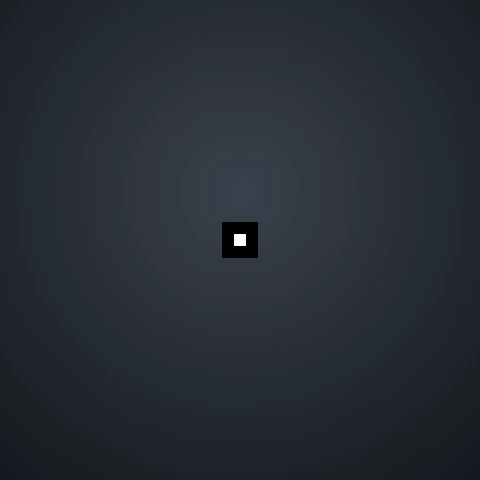
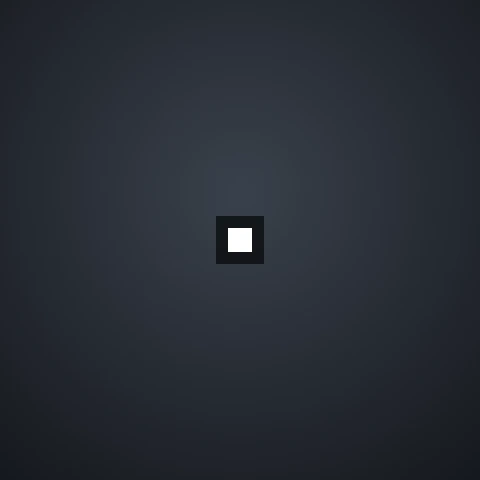
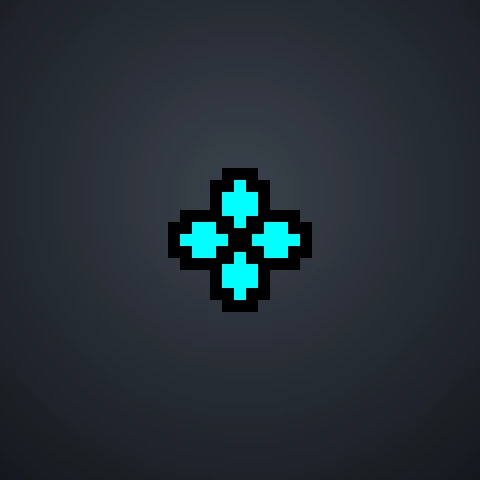
Want to aim like the pros? Here are Valorant pro crosshairs from 30 professional players and streamers, including TenZ, f0rsakeN, Demon1, something, Aspas, benjyfishy and more. Preview each crosshair, copy the code and import it into VALORANT in seconds, or open it in our builder to adjust it. Looking for one player? See the full TenZ crosshair code and settings.













No crosshairs match that search.
What Pro Crosshairs Have in Common
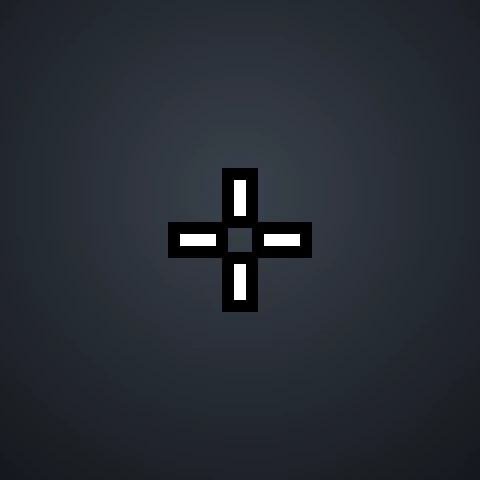
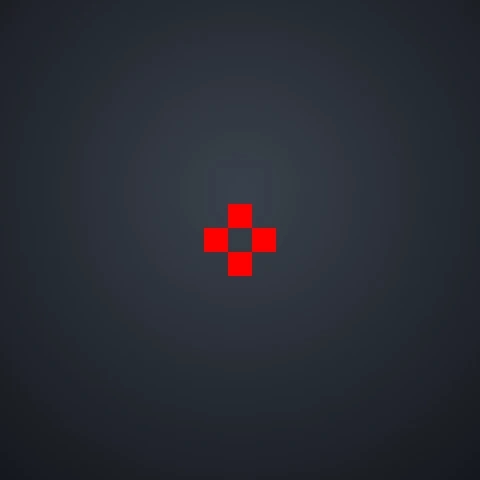
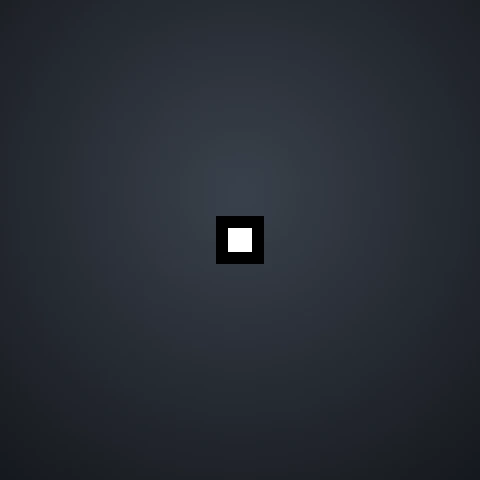
- Small and simple: most pros use short inner lines or a dot, with outer lines turned off.
- No movement or firing error: nearly every pro crosshair stays static, so it never spreads during a fight.
- Mostly white: about three in four pros use a white crosshair, followed by cyan and green.
- Few or no outlines: many pros turn outlines off to keep the crosshair thin, though some keep a light outline for bright maps.
Want the exact numbers? We decoded every crosshair on this page in our Valorant pro crosshair statistics, including the most popular colors, styles and line settings. Two players have their own pages with every setting explained: the TenZ crosshair and the ScreaM crosshair.
Should You Copy a Pro Crosshair?
A pro crosshair is a great starting point, but it is tuned to that player’s monitor, resolution and habits. Import one, play a few Deathmatch games and adjust the size or color if something feels off. Pros also change their settings from time to time, so the codes here may differ from what a player uses today.
How to Import a Pro Crosshair
- Click Copy code on the crosshair you like.
- In VALORANT, open Settings → Crosshair.
- Click the Import Profile Code icon, paste the code and click Import.
For screenshots of each step, see our guide on how to copy a Valorant crosshair.
Frequently Asked Questions
What crosshair do most Valorant pros use?
Most use a small static cross with short inner lines and no outer lines, or a single dot crosshair. Cyan and white are especially common.
Will a pro crosshair make me aim better?
Not by itself. A clean, easy-to-see crosshair helps you focus, but aim comes from crosshair placement and practice. Choose the one that feels most comfortable to you.
Can I edit a pro crosshair?
Yes. Click Edit on any card to open it in the crosshair builder, adjust it and copy your own version.
Disclaimer: This website is independently operated and is not affiliated with or endorsed by Riot Games. VALORANT and all associated trademarks and intellectual property are owned by Riot Games, Inc.